PDF tools
Compress a PDF
Compress a PDF
on iPhone.
A PDF too big to email or upload? Filemorph shrinks it on your iPhone, letting you dial the quality to hit the size you need — no upload, no sign-in.
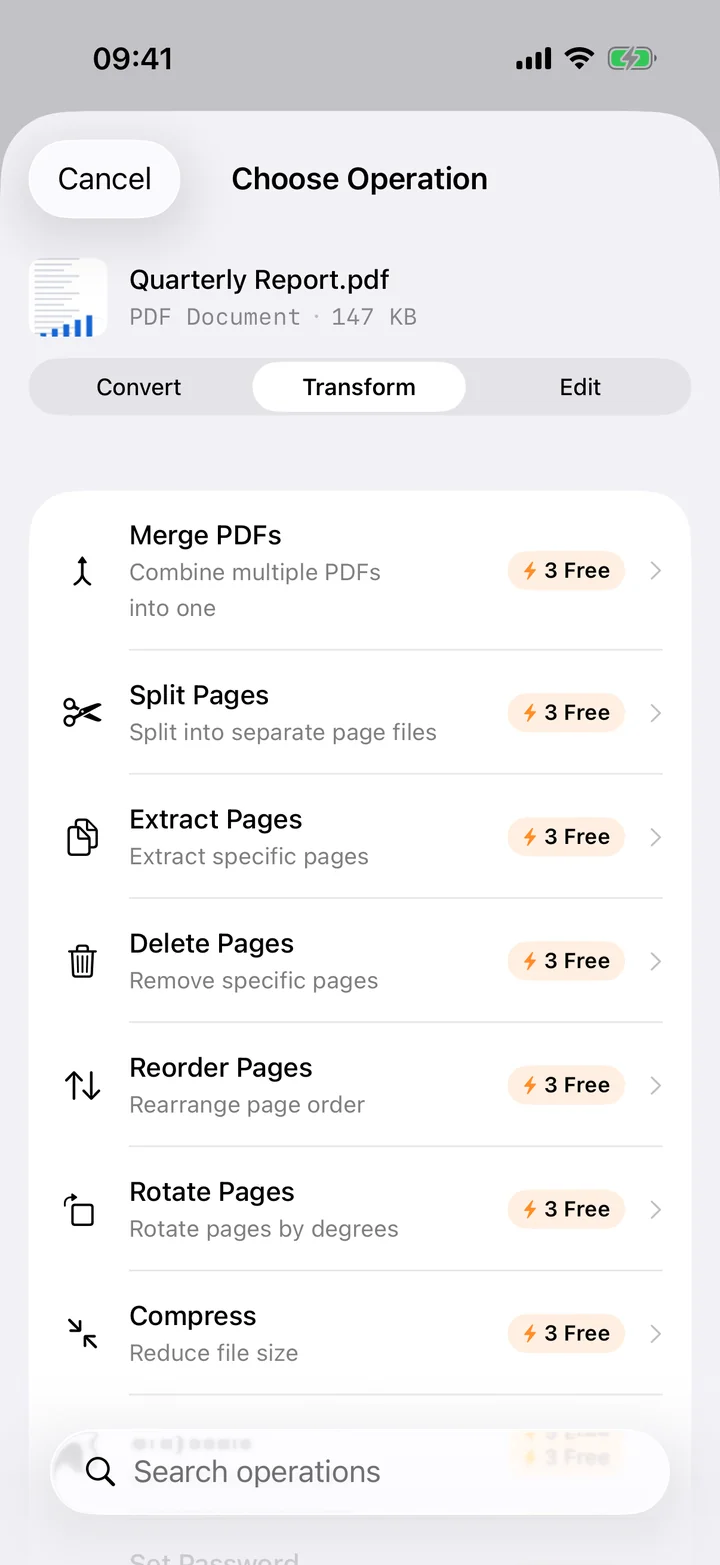
A PDF too big to email or upload? Filemorph shrinks it on your iPhone, letting you dial the quality to hit the size you need — no upload, no sign-in.
Almost everyone has hit the wall where a PDF simply won't go through. The email bounces for exceeding the attachment limit, the job portal rejects the upload, the messaging app refuses the file. Nine times out of ten the culprit is images: a document built from phone-camera scans or high-resolution photos carries far more data than it needs to be read on screen or printed. Compressing the PDF re-encodes those images at a sensible quality and the file shrinks dramatically — often by more than half.
Filemorph does this on your iPhone using Apple's PDFKit. Add the bloated PDF, choose a quality level, and it rebuilds the document at a leaner size while keeping the text and layout intact. A higher setting preserves more detail for scans you need to read closely; a lower one squeezes hardest when you just need the thing to send. There's a Live Activity for longer documents, and because everything runs locally, your file is never uploaded and the feature works with no connection.
A smaller PDF clears email size limits, sails through upload forms with strict caps, sends faster over a slow connection and takes up less room on your device. Compression mostly trims the embedded images that bloat scanned documents, so you get the size reduction where it actually lives while the text stays sharp and readable.
Yes. The PDFs people most need to shrink — tax forms, applications, contracts, medical records — are precisely the ones you shouldn't hand to a web compressor. Filemorph rebuilds the document on your iPhone with PDFKit, so it's never uploaded to a server, and the whole process runs offline.
PDFs balloon when they contain full-resolution scanned pages or photos. Compression re-encodes those images at a sensible quality, which is usually where almost all the savings come from.
Yes. Compression mainly targets embedded images, so text stays crisp. Choose a higher quality level if a scan looks too soft for your needs.
Yes. PDF compression is a Pro feature in Filemorph, alongside the other PDF tools like merge and split.
On-device, no upload — part of Filemorph Pro. Plus 300+ more file operations.
Download on theApp Store