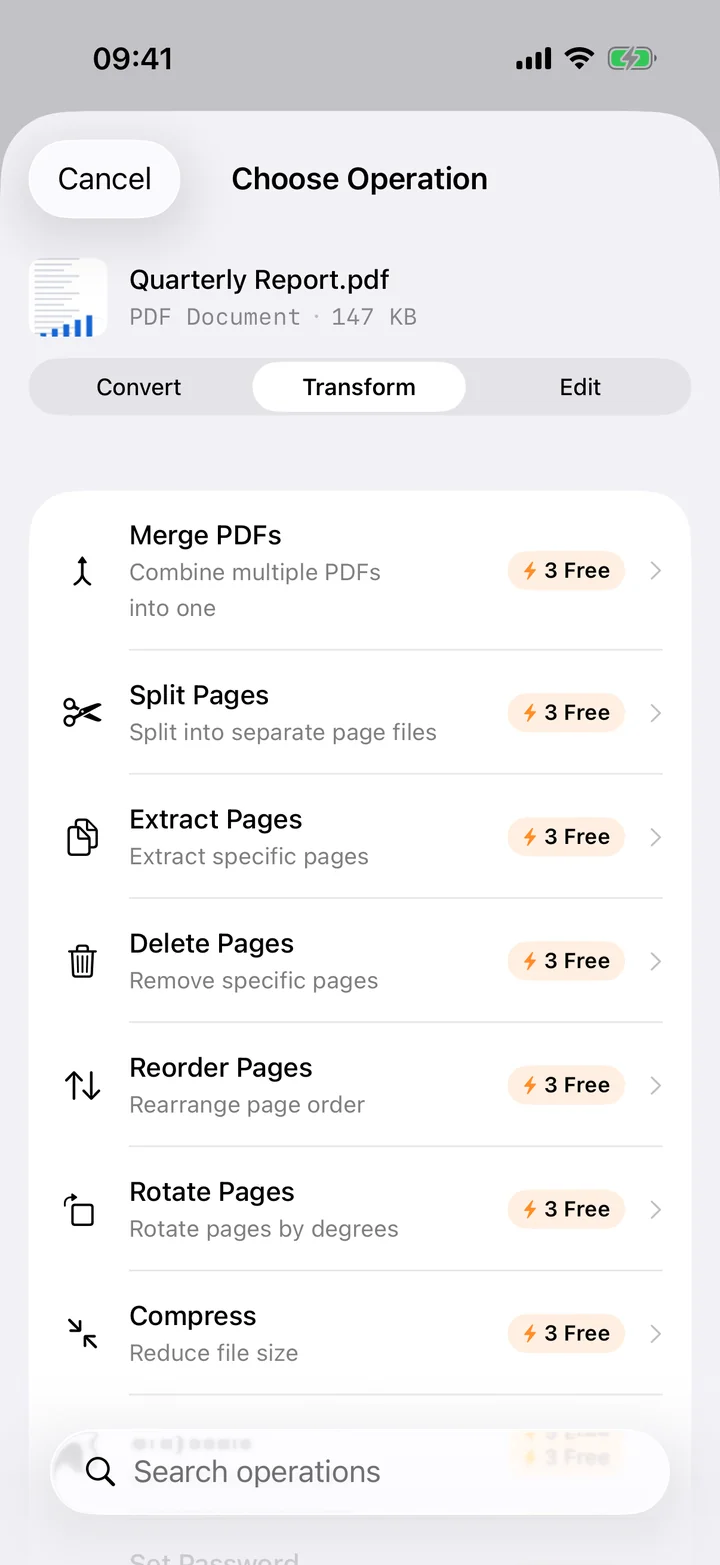
Photos and documents are different things, and sometimes you need a HEIC snapshot to behave like the latter. A receipt you'll email to accounting, an ID you're submitting on a form, a handwritten note you want to archive, or a stack of pages you photographed instead of scanning — all of these are far more useful as a PDF than as a loose camera file. A PDF opens identically on every device and printer, holds several pages in one tidy file, and is the format almost every workflow expects when it asks you to "attach a document".
Filemorph builds the PDF locally using Apple's PDFKit and ImageIO. Select a single HEIC photo for a one-page document, or pick several and each becomes its own page in the order you chose. Every image is embedded at full resolution, so text stays legible and details stay sharp when printed. As with every Filemorph conversion, nothing is uploaded — the PDF is generated on your iPhone and ready to save to Files, email, or AirDrop the moment it's done.
How to convert HEIC to PDF on iPhone
Pro
- Select your photos. Open Filemorph and select one or more HEIC photos from Photos, Files, or the Share sheet.
- Choose PDF. Choose PDF as the output format. Each photo becomes a page in the document.
- Convert and save. Tap Convert — each photo becomes a page; save or share the finished PDF.
Why convert HEIC to PDF?
PDF is the standard for documents you print, sign or email. Converting photos to PDF is handy for receipts, IDs, forms and multi-page scans — and a PDF opens identically on every device.
Is it private?
Yes. Filemorph assembles the PDF on your device using Apple's PDFKit and ImageIO frameworks. Your photos are never uploaded to a server, and the whole process works with no internet connection. Image to PDF is part of Filemorph Pro ($29.99/year, 7-day free trial on monthly and annual plans); free users can try Pro operations a few times before subscribing.