Paperwork rarely arrives in one piece. You scan a contract, photograph a signed page, download a statement and save a confirmation — four separate files that really belong together. Sending them as a pile of attachments is messy and easy to get out of order, and the person on the other end has to juggle them. Stitching everything into one PDF turns the scatter into a single, ordered document that's simple to email, print, archive or hand to a portal that only accepts one upload.
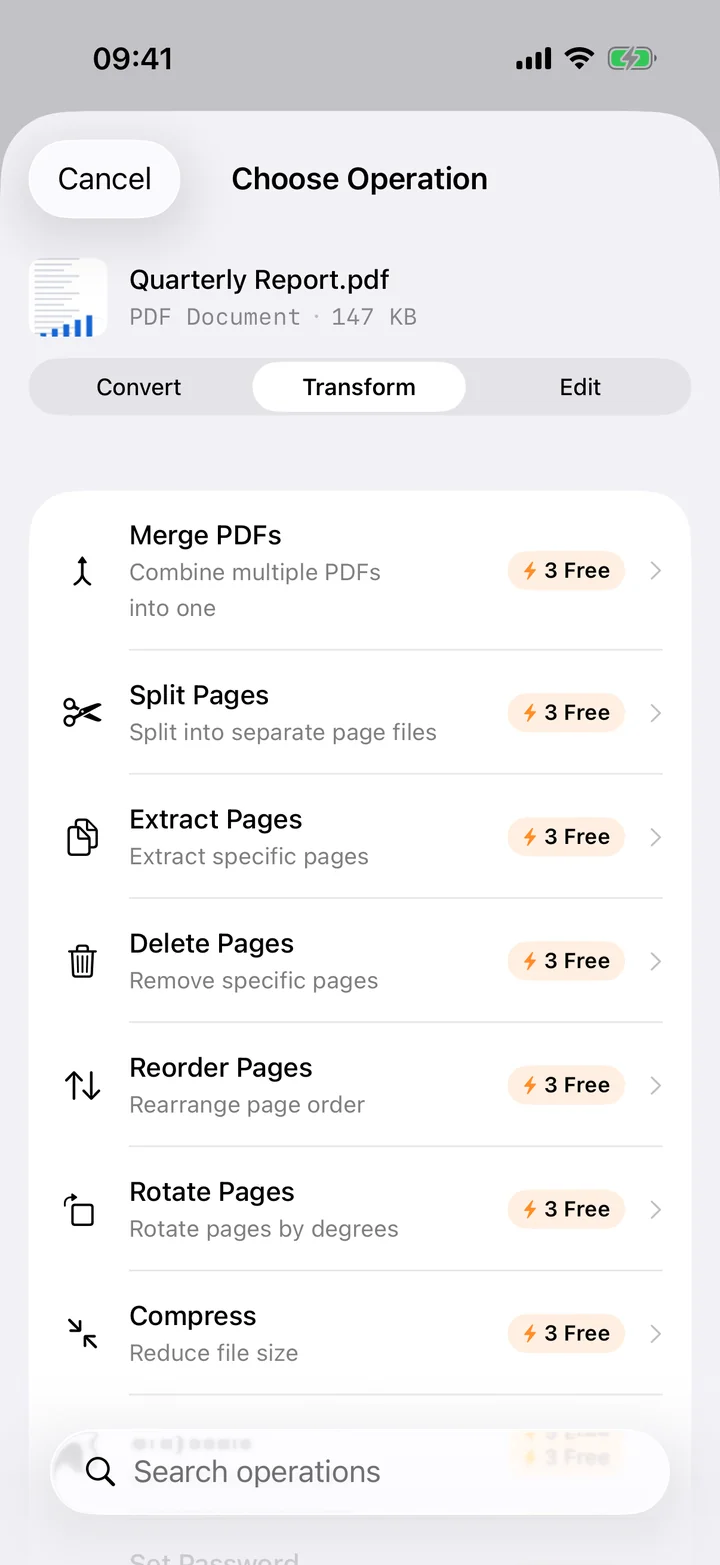
Filemorph merges them on your iPhone. Select the PDFs you want — and toss in photos too, since a snapshot of a receipt can sit on its own page — drag them into the right sequence, and combine. The result is one clean PDF assembled with Apple's PDFKit, with every original page kept at full fidelity. Combining up to three files is free; larger merges are part of Pro. Either way the work happens entirely on the device, so sensitive documents are never uploaded and it all works offline.
How to merge PDFs on iPhone
Pro
- Add your PDFs. Open Filemorph and select the PDFs (and photos, if you like) you want to combine from Files or the Share sheet.
- Order and merge. Arrange the files into the order you want, then choose the merge operation.
- Save or share. Tap Convert. The single combined PDF is saved locally, ready to email, print or sign.
Why merge PDFs?
One document is easier to send, sign and store than a handful of loose files. Merging keeps related pages in a fixed order, lets you submit everything to a portal that allows only a single upload, and produces a tidy record for expenses, applications, contracts or coursework. It also means the recipient opens one file instead of hunting through several attachments.
Is it private?
Yes. The documents people merge — contracts, IDs, medical forms, bank statements — are exactly what you should never upload to a random website. Filemorph combines them on your iPhone with PDFKit, so nothing leaves the device. The whole operation runs offline, which also makes it faster than any tool that has to upload and download your files.