15 Shortcuts actions, batch processing with Live Activity tracking, six built-in presets plus unlimited custom ones, widgets, Files app integration, Spotlight indexing, AirDrop handling and iPad keyboard shortcuts.

Generic image format conversion via Shortcuts.
Resize by dimensions or percentage.
Reduce file size with quality control.
Remove EXIF from an image.
Fast HEIC → JPEG conversion.
Compress a video to a target size or quality.
Pull audio from a video file.
Trim a video to a time range.
Combine multiple PDFs into one.
Reduce PDF file size.
Split a PDF into pages.
Add a password to a PDF.
Audio format conversion.
Trim audio to a time range.
Process many images with one Shortcut.
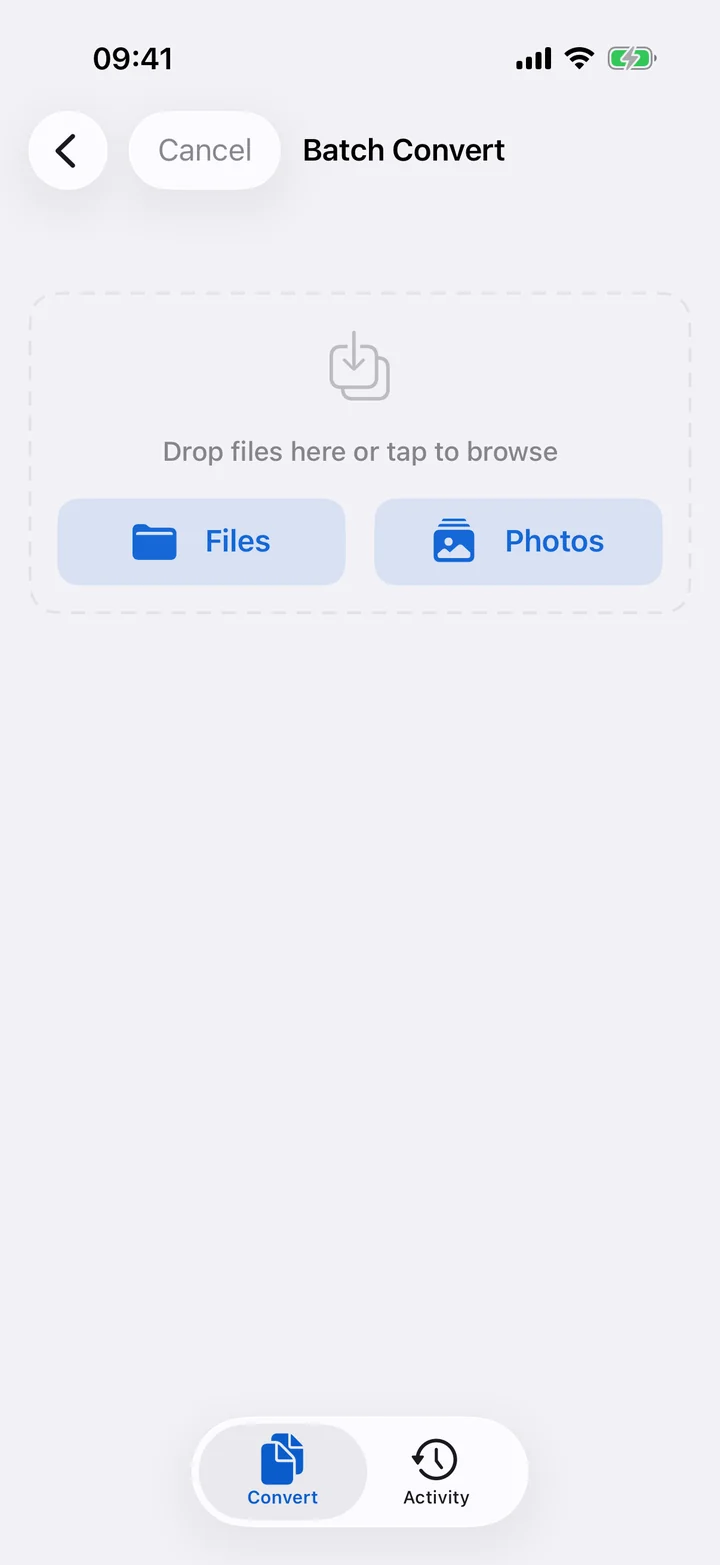
Pick files via document picker, Photos or drag & drop.
3 parallel on iPhone, 4 on iPad, 6 on iPad Pro M-series.
Live status for each file: pending, processing, done, failed.
Only shows operations compatible with all selected files.
Bulk share or save results to a folder.
Batch up to 3 files on the free tier; unlimited on Pro.
Resize, sanitize EXIF and compress for the web.
1080×1080 crop optimized for social posts.
Compress and flatten a PDF for sending.
Sensible defaults for sharing a video.
Remove all identifying metadata in one tap.
300 DPI PNG with print color profile.
Small/medium widgets showing your latest results with re-run links.
Medium/large widgets with 4–6 one-tap conversion buttons.
Compact, expanded and minimal Live Activity presentations.
Progress bar, operation name, ETA and cancel button.
Long-press the app icon for 4 quick conversion shortcuts.
Quick Convert appears in the Files app context menu.
Convert from any app via the Share sheet.
Search past conversions by name, format or operation.
Open files into Filemorph from AirDrop or any app.
Auto-detect copied images, URLs or Base64 on app foreground.
Drag finished files into Mail, Notes or Files on iPad.
Navigate Home, Queue, Activity and Settings sidebar.
Open Settings.
New conversion — open the file picker.
Open batch mode.
Search operations.
Multi-window support for iPad Stage Manager.
Grouped by date with re-run, share, save-as-preset actions.
See your total conversions, data processed and bytes saved.
Max 500 records kept; older entries removed automatically.
Open Filemorph and switch to Batch mode (⌘ B on iPad). Select multiple files via the document picker, Photos or drag & drop, pick an operation compatible with all of them, and Filemorph processes 3–6 in parallel.
15 actions: Convert/Resize/Compress Image, HEIC to JPEG, Strip Metadata, Compress/Trim Video, Extract Audio, Merge/Split/Compress/Password-Protect PDF, Convert/Trim Audio and Batch Convert Images.
Yes. Every action returns an IntentFile output so you can chain Filemorph actions or pass results to other apps.
Yes. Widgets read from the App Group shared store and don't require network. Tapping a widget opens Filemorph with the chosen operation pre-selected.
Shortcuts, widgets, batch and presets — Filemorph fits the rest of iOS.
Download on theApp Store