Designed for iPhone
Built like an Apple app.
Native SwiftUI. Liquid-fast. iCloud-aware. Adaptive on iPhone, iPad, and Mac.
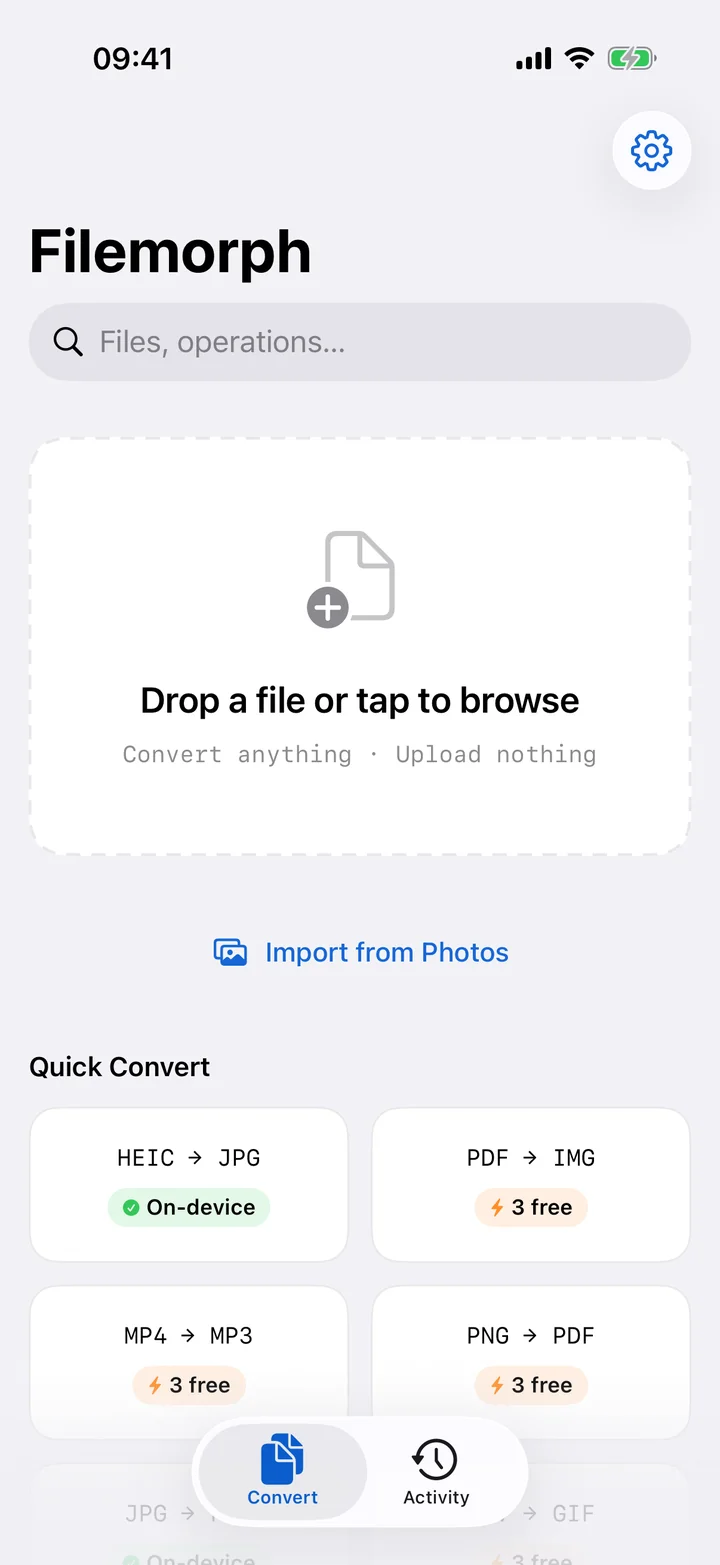
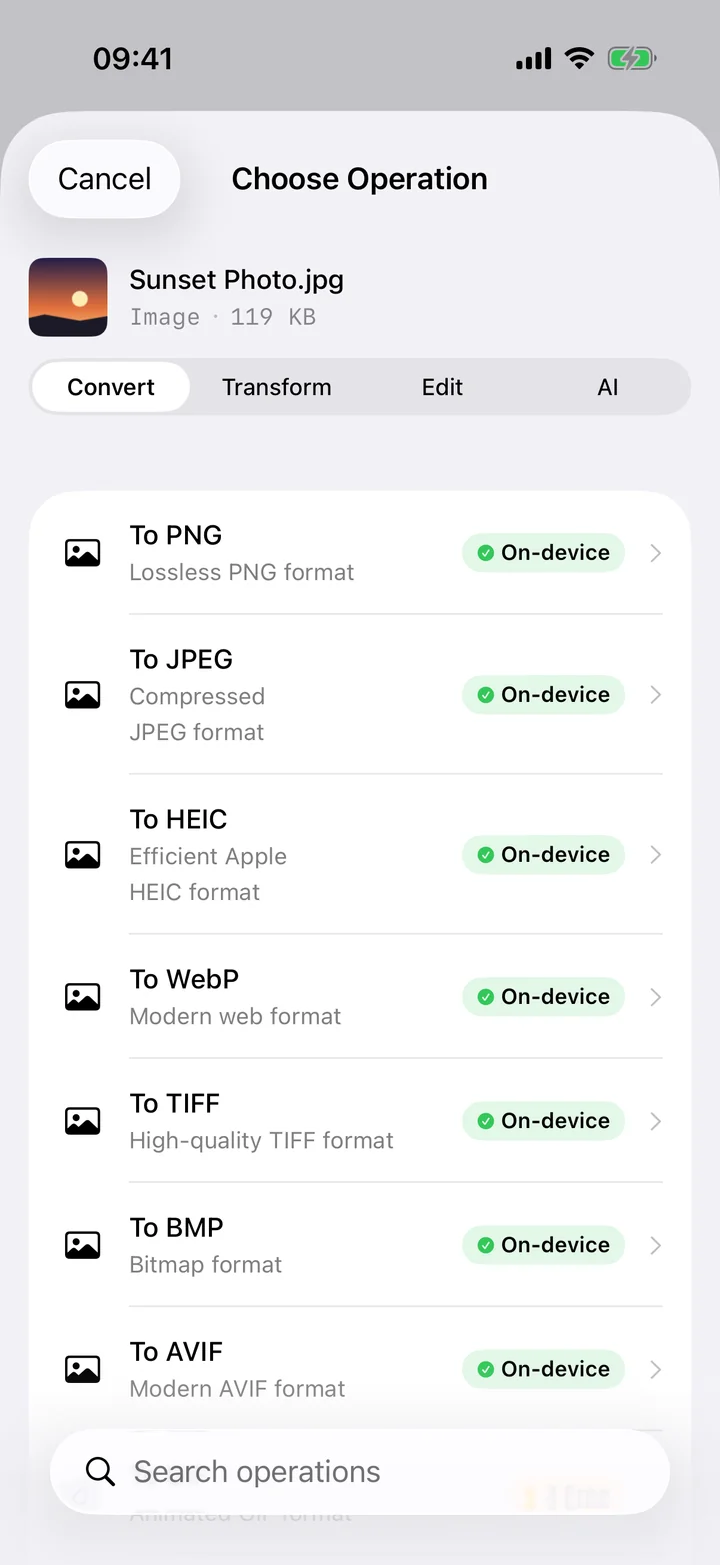
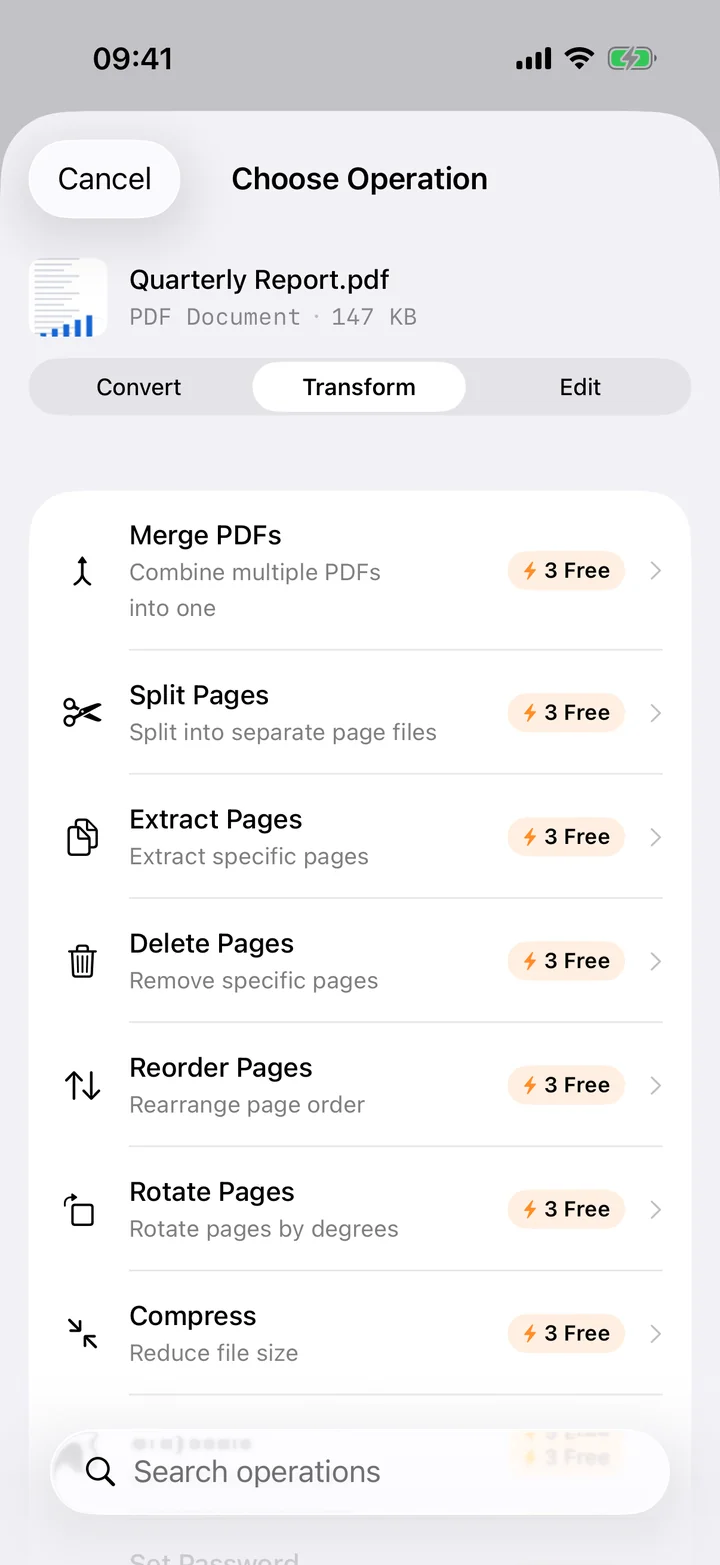
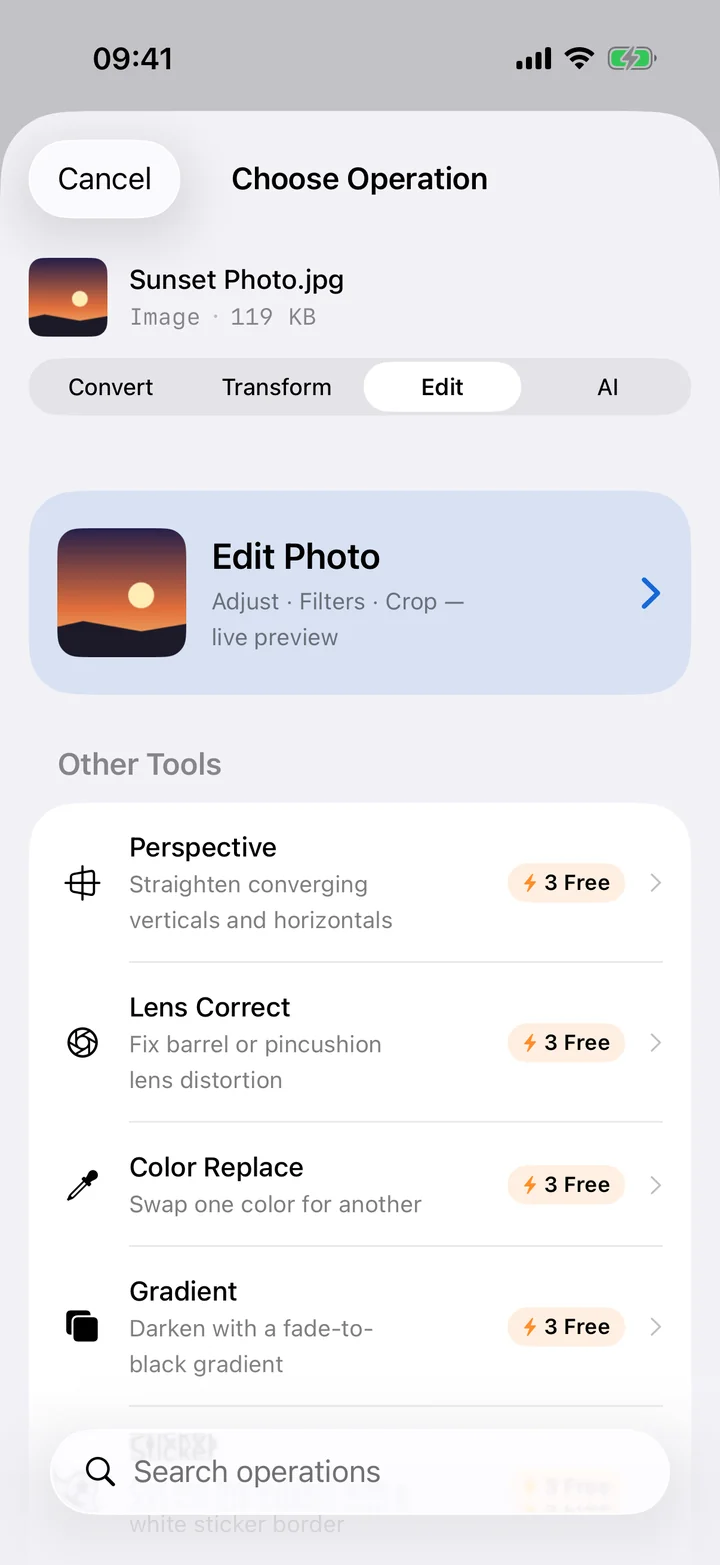
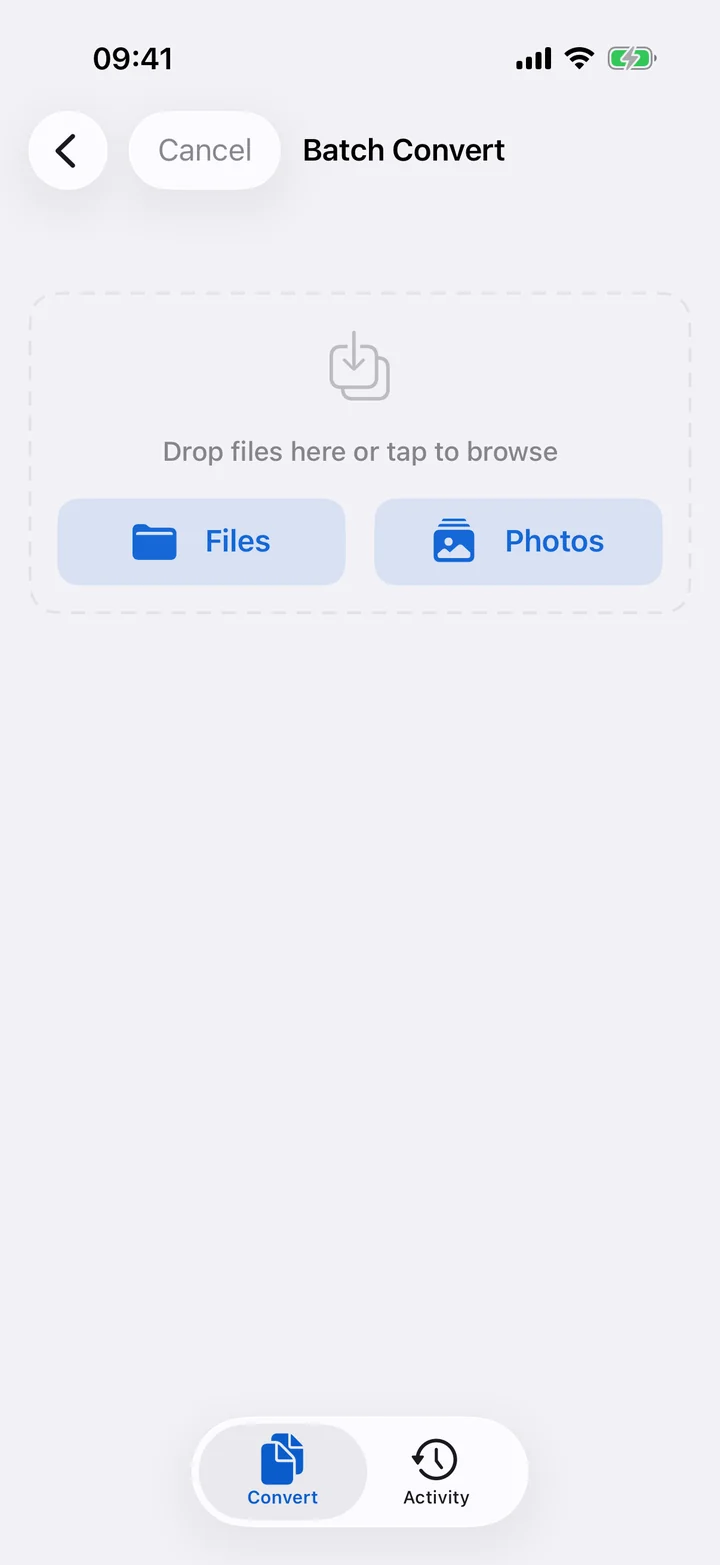
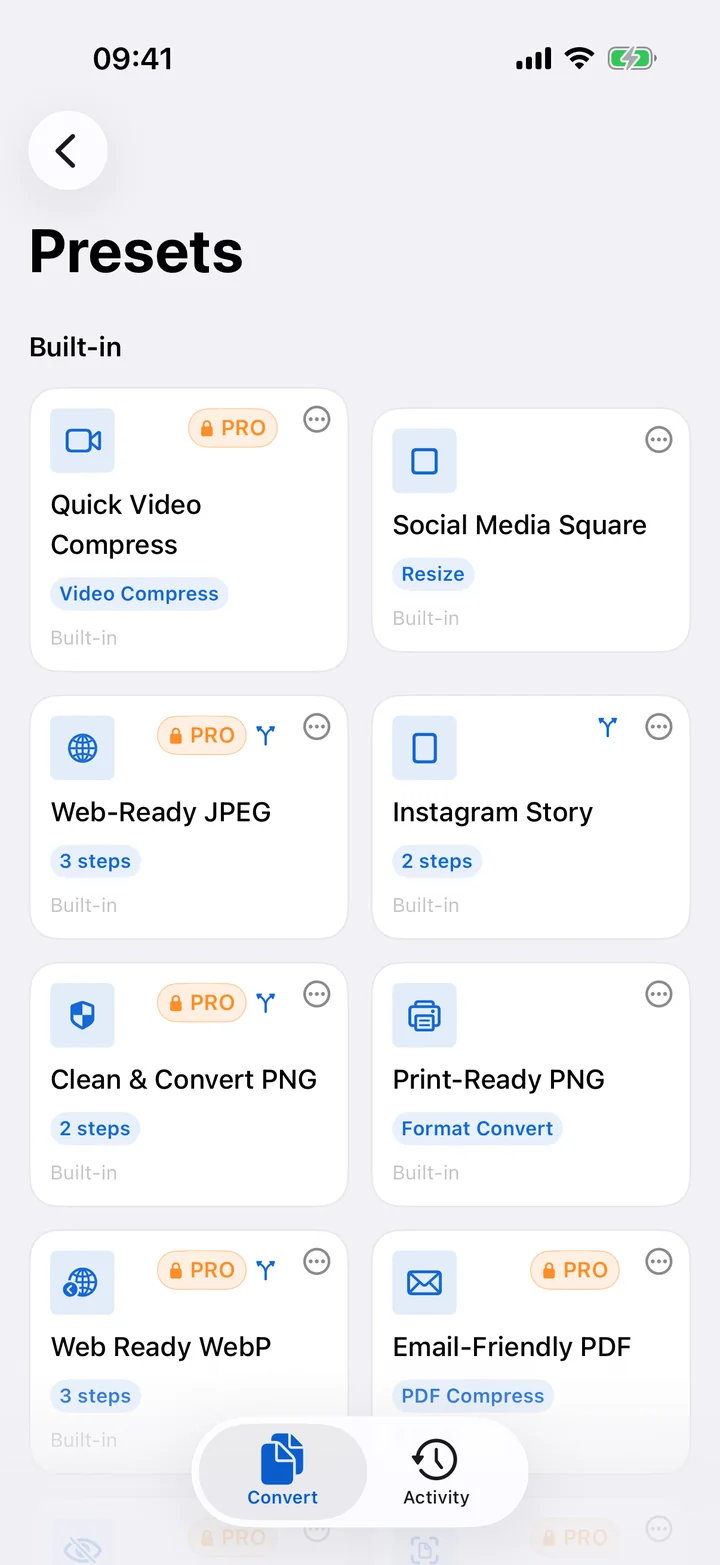
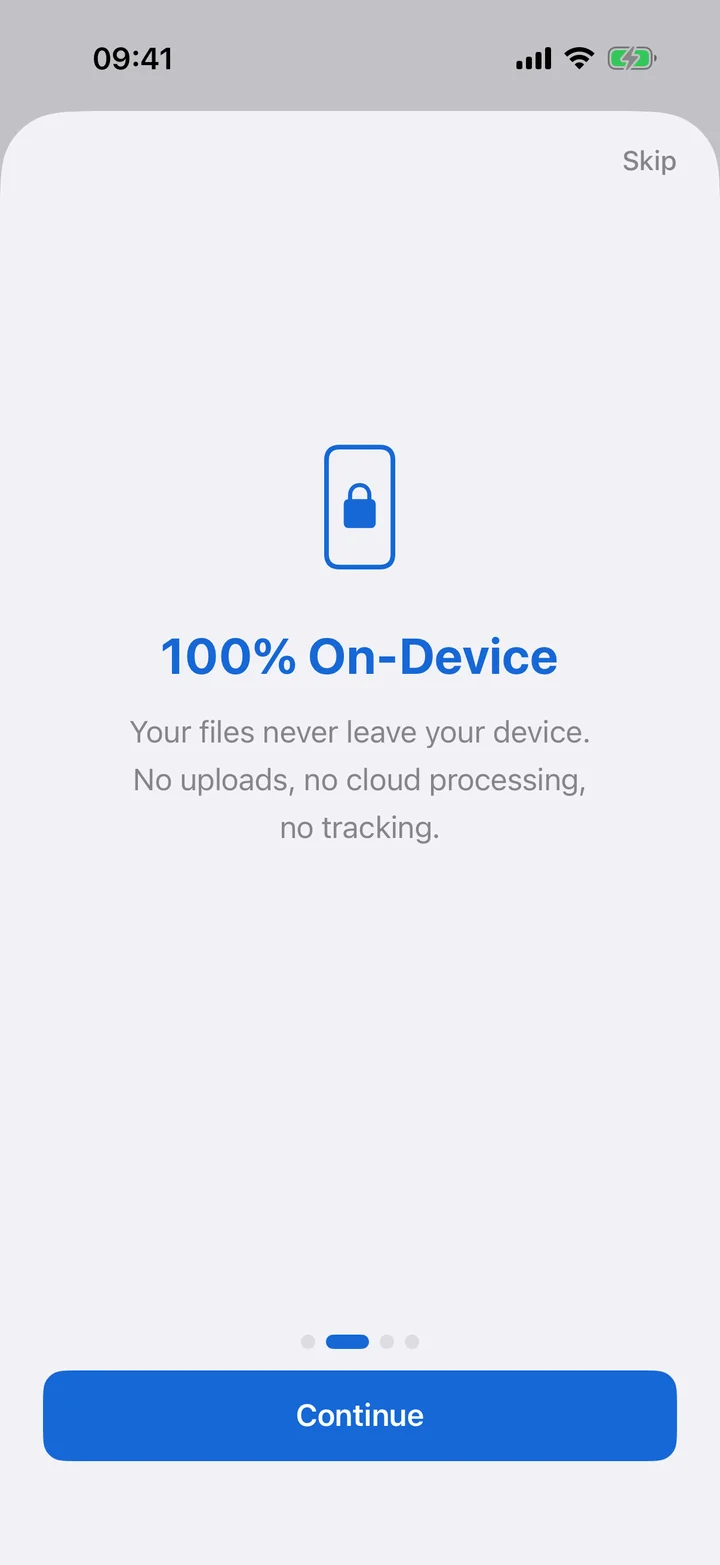
Filemorph converts, edits, compresses and transforms 80+ file formats on your iPhone and iPad — entirely on-device. 300+ operations across images, PDF, video, audio and documents, plus an on-device AI photo lab that upscales, restores and colorizes. No servers. No tracking. Works offline.
Most converters upload your photos, contracts and recordings to a remote server. Filemorph doesn't. Every byte is processed locally using Apple's frameworks — Core Image, AVFoundation, PDFKit, Vision and Core ML. The same engines that power your camera and your photo library.
Your files are never uploaded. The only network use is a one-time, optional AI-model download.
No analytics on your files. No telemetry on what you convert.
Remove GPS, camera info, dates and authorship from images and PDFs.
AES-GCM with PBKDF2 key derivation. Secure delete with 3-pass overwrite.
Eight toolkits, 300+ operations. Every one of them runs locally on your device.
Convert HEIC, JPEG, PNG, WebP, AVIF, RAW and 20+ more. Resize, crop, compress, edit and apply pro filters and effects.
Merge, split, compress, sign, redact, password-protect, OCR overlay, form-fill and even compare two PDFs.
Transcode, trim, compress, crop, rotate, add subtitles, extract audio, create Live Photos or burn captions.
MP3, WAV, AAC, FLAC, M4A. Normalize, trim silence, change pitch, crossfade, isolate voice, make ringtones.
DOCX, Markdown, HTML, CSV, XLSX, JSON, XML, plist, YAML, vCard, ICS, EPUB and subtitle formats.
OCR text from photos, transcribe speech in 40+ languages, classify content, detect documents, upscale images.
Encrypt with AES-GCM, secure-delete with 3-pass overwrite, redact PDFs, edit EXIF, verify checksums.
15 Shortcuts actions, batch processing, presets, widgets, Live Activities, Files app integration.
From the everyday HEIC headache to one-shot DOCX exports — every common pair, one tap away.
Native SwiftUI. Liquid-fast. iCloud-aware. Adaptive on iPhone, iPad, and Mac.
Shortcuts, Widgets, Live Activities, Files app, AirDrop, Spotlight, Share Sheet — Filemorph speaks every iOS automation language.
Drive every major operation from Shortcuts and Siri. Chain results with IntentFile.
Quick Convert and Recent Conversions widgets in small, medium and large sizes.
Track long conversions on the Dynamic Island and Lock Screen — with cancel button.
Quick Convert appears right inside the Files app. Right-click any photo or PDF.
Convert from Photos, Mail, Safari or any app via the Share sheet — without launching the app.
Every conversion is indexed — search by filename, format or operation from anywhere on iOS.
Sidebar navigation, multi-window, drag-out results, and 8 keyboard shortcuts.
Process hundreds of files at once with device-adaptive concurrency (3–6 parallel).
Try the core converters at no cost. Unlock everything for less than a coffee.
Subscription auto-renews. Manage or cancel anytime in Settings.
All image conversions, resize, crop, compress, PDF text extraction, metadata view & strip, file info and checksums, batch up to 3 files, widgets and Shortcuts.
No. Filemorph performs every conversion locally using Apple's frameworks (Core Image, AVFoundation, PDFKit, Vision, Core ML). File processing — conversions and edits — runs entirely on-device and works fully in Airplane Mode. Optional AI models download once from our servers on first use, but no file data is ever uploaded.
80+ input formats and 25+ output formats spanning images, video, audio, PDF, office documents, archives, 3D models, fonts, subtitles and CAD. Browse the eight category pages for the full operation list.
Yes. Everything except optional Core ML model downloads runs offline. Once a model is installed it also runs locally on the Neural Engine.
Free includes all image format conversions, basic transforms (resize/crop/compress), PDF text extraction, metadata viewing and stripping, file info, checksums and batch up to 3 files. Pro unlocks PDF editing, video, audio, documents, AI, encryption, unlimited batch and advanced presets.
Select multiple files, pick an operation that's compatible with all of them, and Filemorph processes 3–6 files in parallel depending on your device. A Live Activity tracks the batch on the Lock Screen and Dynamic Island.
Yes — 15 App Intents are exposed for Shortcuts and Siri, including Convert/Resize/Compress Image, Compress/Trim Video, Merge/Split/Protect PDF, Convert Audio and Batch Convert. Results chain via IntentFile.
iPhone, iPad and Mac running iOS / iPadOS / macOS based on iOS 17. iPad gets sidebar navigation, multi-window, drag-out and 8 keyboard shortcuts. AI features benefit from a Neural Engine.
Yes — on iOS 26, iPadOS 26 and macOS 26, Filemorph Pro turns a PDF bank or credit-card statement into an OFX file that GnuCash, YNAB and Xero import directly. You review the detected columns before export, and the statement never leaves your device.
Filemorph is free to download with Pro unlocking the full toolkit. Live in the App Store, worldwide.
Download on theApp Store