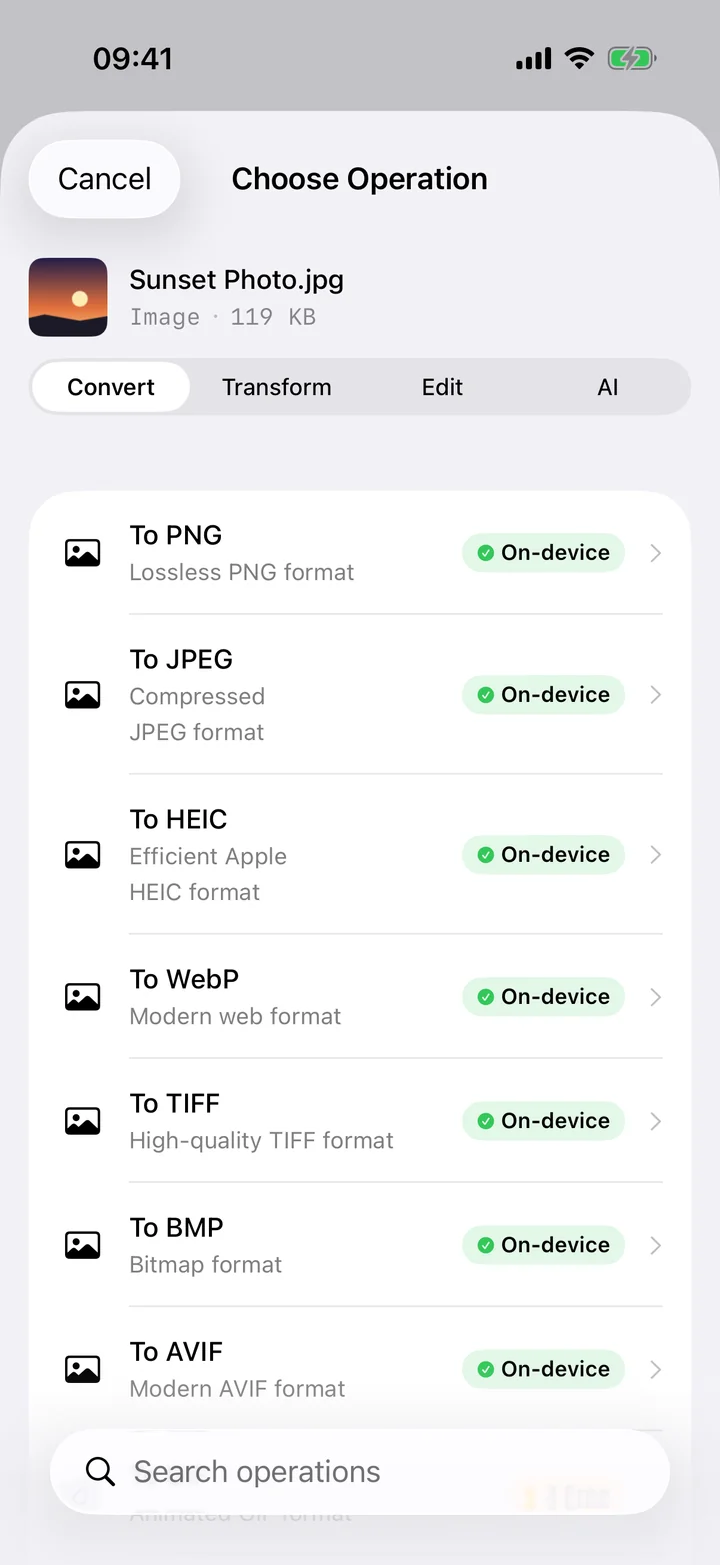
PNG is a brilliant format for sharp lines and flat colour — which is exactly why iOS uses it for screenshots. The downside is weight: because PNG is lossless, a single full-screen screenshot can run several megabytes, and a folder of them quickly becomes awkward to email or attach. JPG was built for the opposite priority. By discarding detail the eye barely notices, it packs the same image into a fraction of the space, which is why it's the default for photo sharing across the web.
Filemorph converts your PNGs to JPG using Apple's ImageIO framework and gives you a quality slider so you decide the trade-off. Drop it slightly for a tiny attachment, or keep it high for a near-identical copy that's still far smaller than the source PNG. You can convert one image or a small batch, and every byte is processed on your iPhone — there's no upload step, so even a chunky screenshot is ready in a moment.
How to convert PNG to JPG on iPhone
Free
- Add your PNG. Open Filemorph and pick the PNG from Photos, Files, or the Share sheet.
- Choose JPG and quality. Tap Convert, choose JPEG as the output, and set the quality slider to balance size against detail.
- Save or share. Tap Convert. The smaller JPG is saved locally — share it, save to Files, or AirDrop it.
Why convert PNG to JPG?
The single biggest reason is size. A JPG is often a fraction of the equivalent PNG, which means faster uploads, smaller email attachments and less storage used. JPG is also accepted by every site, app and printer, where some still trip over large PNGs. Reach for JPG whenever the image is a photo or screenshot you want to share — and keep PNG only when you genuinely need lossless detail or transparency.
Is it private?
Yes. Web-based converters require you to upload each PNG to their servers, where it sits on someone else's hardware. Filemorph never does that — it re-encodes the image directly on your iPhone with Apple's ImageIO and hands you the JPG. Nothing is transmitted, nothing is logged, and the whole thing works in Airplane Mode.