A GIF is the perfect format for a moment that's funnier or clearer on a loop than as a still — a reaction, a quick demo of a tap sequence, a pet doing something ridiculous. Unlike a video, a GIF plays automatically, silently and forever, which is exactly why messaging apps, forums, issue trackers and chat tools treat it as a first-class citizen. The catch is that turning a clip into a good GIF means trimming it short and dialling the frame rate and size, or you end up with a sluggish, enormous file.
Filemorph gives you that control on your iPhone. It reads the clip with Apple's AVFoundation and writes the animated GIF with ImageIO, letting you set the frame rate and output dimensions so the result loops smoothly without bloating. Keep it punchy — a few seconds is the sweet spot — and you get a clean, watermark-free GIF ready to paste anywhere. The conversion runs locally with a Lock Screen Live Activity, so nothing is uploaded and it works offline.
How to convert a video to GIF on iPhone
Pro
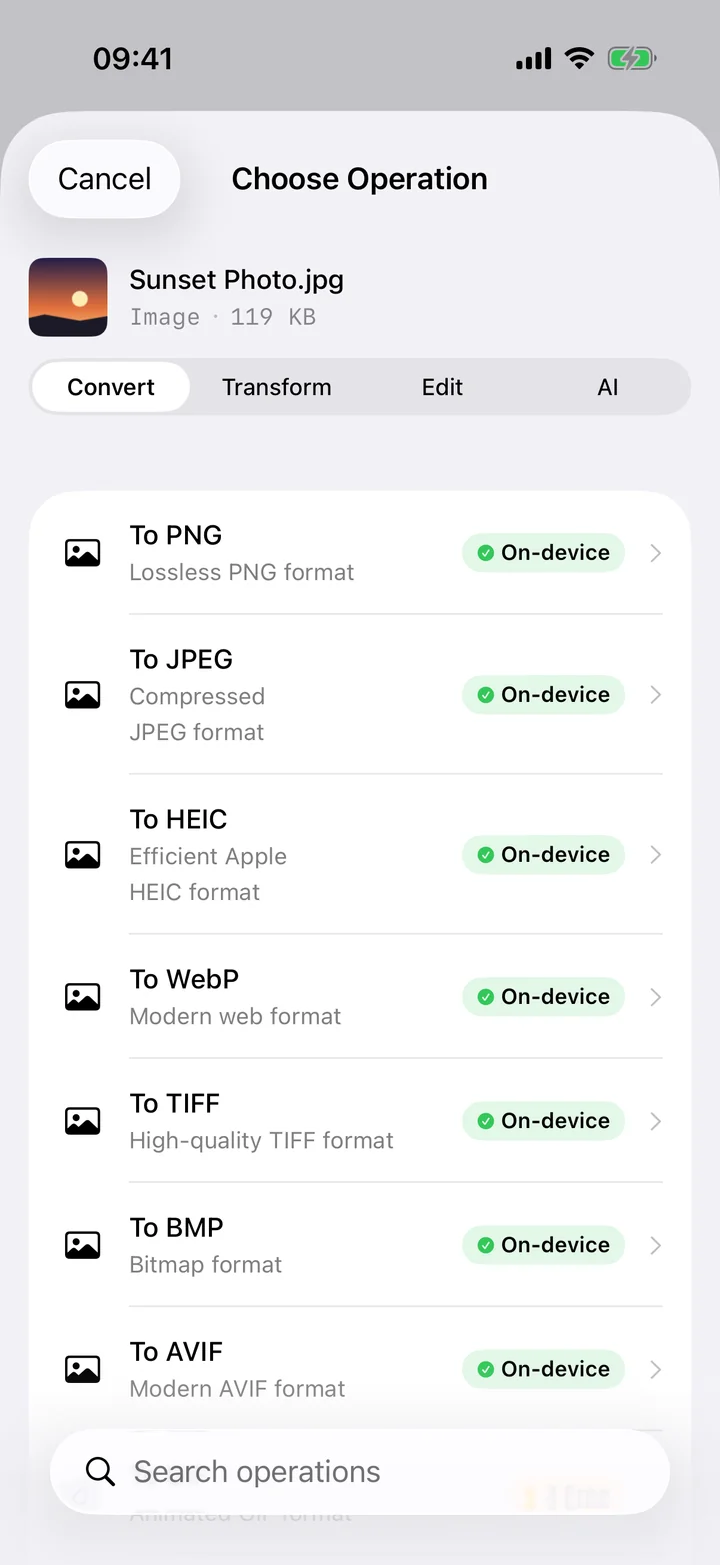
- Add a short clip. Open Filemorph and add a short video from Photos or Files — GIFs work best with a few seconds of footage.
- Choose GIF and settings. Choose GIF as the output and set the frame rate and size to balance smoothness against file weight.
- Save or share. Tap Convert. The looping GIF is saved locally, ready to drop into a chat or post.
Why convert video to GIF?
GIFs auto-play, loop and need no player, so they're the natural fit for reactions, short demos and anything you want to embed where a video would be clunky. Many chat apps, forums and bug trackers display a GIF inline but treat a video as a download — converting makes your clip instantly viewable wherever you drop it.
Is it private?
Yes. Most "video to GIF" sites slap on a watermark and require you to upload your footage first. Filemorph builds the GIF on your iPhone with Apple's own frameworks, so your clip is never sent to a server and the result has no watermark. The whole thing works with no internet connection.