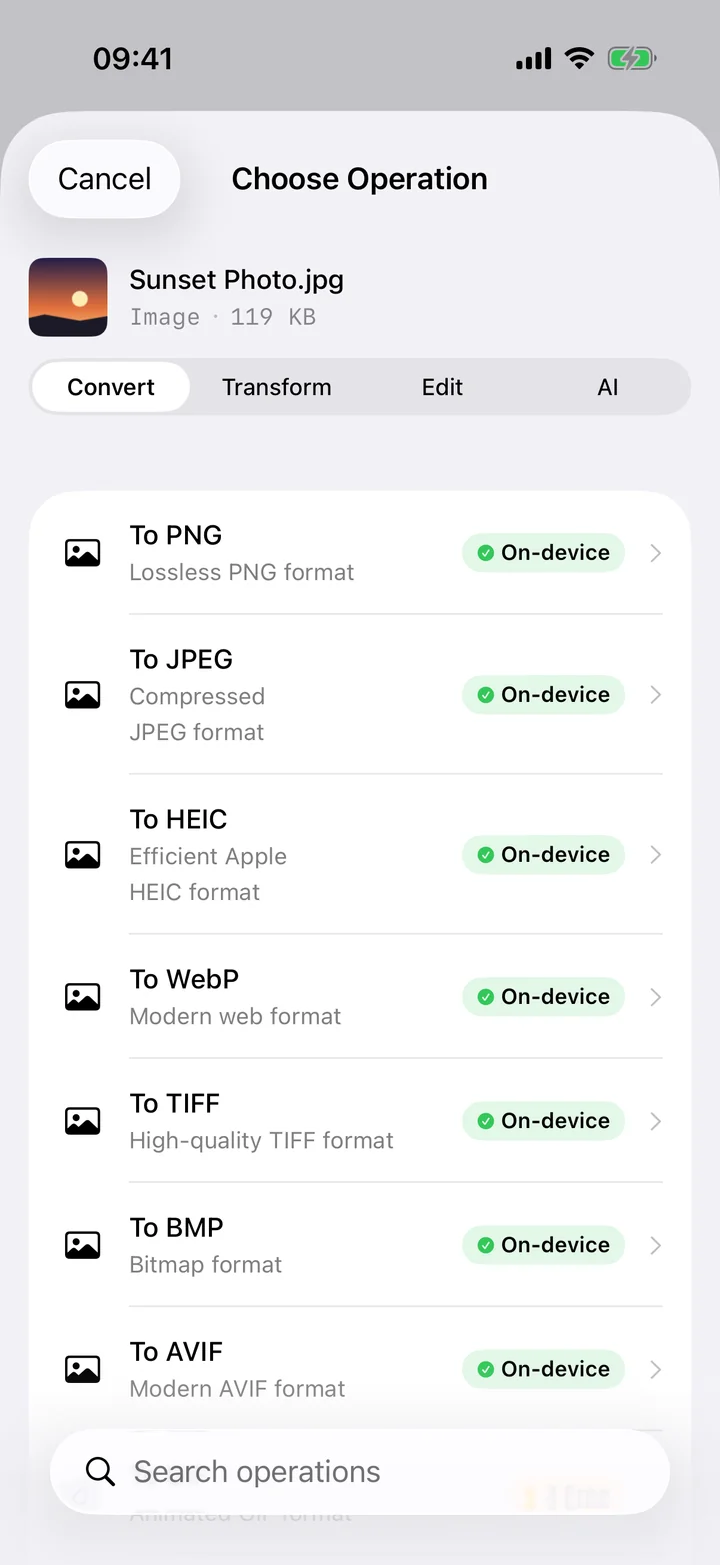
When you film on an iPhone, iOS wraps the footage in a QuickTime MOV container. That's perfectly fine inside Apple's ecosystem, but the moment you step outside it — uploading to a platform that only takes MP4, sending a clip to someone on Windows, or importing into an editor that chokes on MOV — the format becomes a roadblock. MP4 is the lingua franca of digital video: it plays on virtually every phone, browser, smart TV, console and editing app made in the last decade. Converting MOV to MP4 simply removes the friction.
Filemorph re-wraps and, where needed, transcodes your video using Apple's AVFoundation — the same media stack iOS uses for the Camera and Photos apps — so the result is a clean, standards-compliant MP4. You can keep the original quality, or pick a compression level and resolution if you want a lighter file for sharing. The transcode runs entirely on your iPhone, with a Live Activity tracking progress on the Lock Screen, and nothing is ever uploaded to a server.
How to convert MOV to MP4 on iPhone
Pro
- Add the video. Open Filemorph and add the MOV video from Photos or Files.
- Choose MP4. Choose MP4 as the output and optionally set the quality or resolution.
- Convert and save. Tap Convert and save or share the MP4 once the transcode finishes.
Why convert MOV to MP4?
MP4 (H.264/H.265) is the most widely supported video container — it plays on virtually every device, editor and platform. Converting MOV to MP4 maximizes compatibility for uploads and sharing.
Is it private?
Yes. Filemorph transcodes video locally with Apple's AVFoundation framework. Your footage is never uploaded, and the conversion works with no internet connection — useful for large clips you'd never want to wait to upload anyway.