FLAC is the audiophile's favourite — it compresses music without throwing away a single sample, so a FLAC rip is bit-for-bit identical to the CD it came from. The problem is reach. iOS music apps, most car infotainment systems, Bluetooth speakers, smart displays and countless players still treat FLAC as a second-class format or refuse it outright. So you end up with a library that sounds perfect on one device and won't play on the others you actually use day to day.
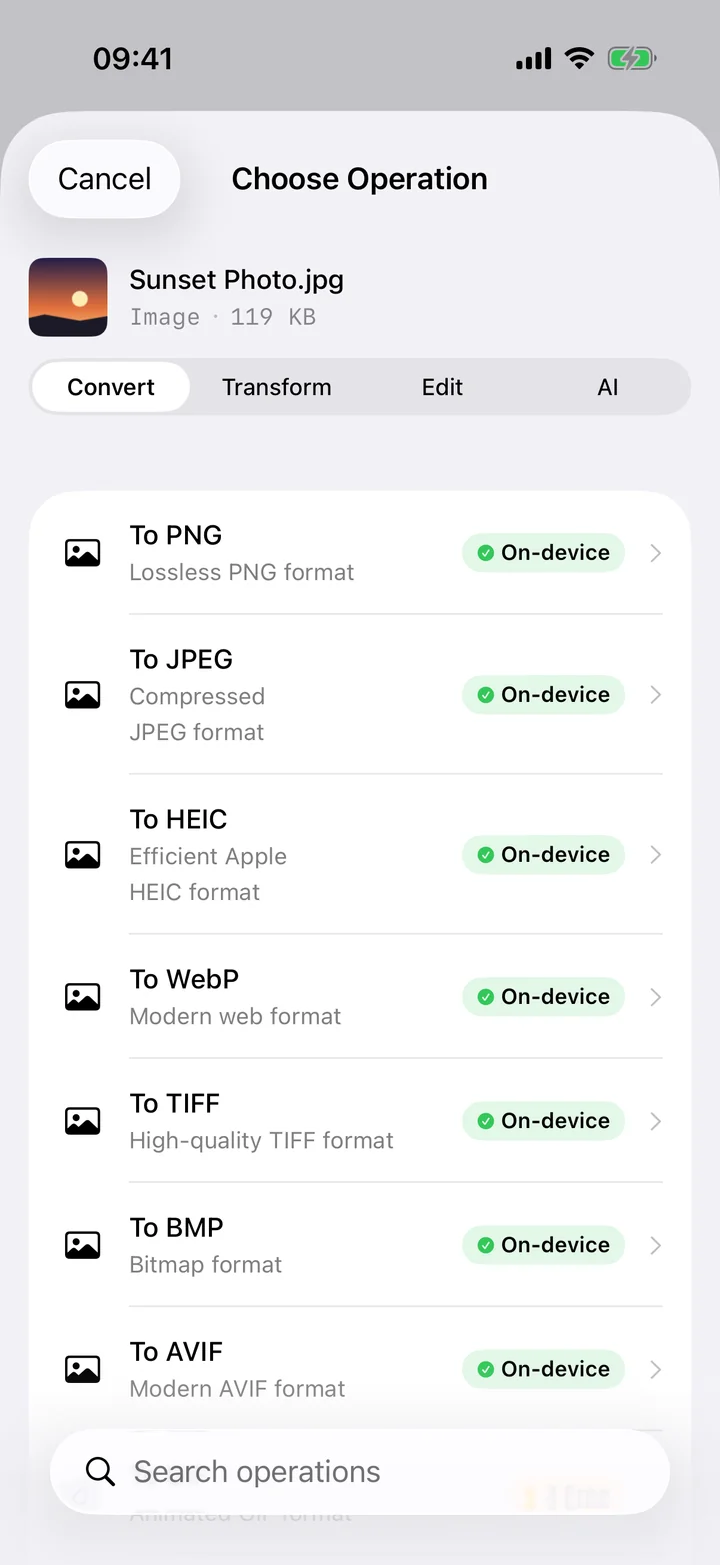
Converting to MP3 fixes that without you babysitting a desktop transcoder. Filemorph re-encodes each FLAC track to MP3 on your iPhone using Apple's AVFoundation, and lets you choose the bitrate so the result still sounds excellent. Keep the FLAC files as your master archive and carry MP3 copies for the car, the gym and the speakers that don't know what FLAC is. It all runs locally with a Live Activity tracking progress, so nothing is uploaded and it works offline.
How to convert FLAC to MP3 on iPhone
Pro
- Add the FLAC. Open Filemorph and add the FLAC track from Files or the Share sheet.
- Choose MP3 and bitrate. Choose MP3 as the output and pick a bitrate — 256 to 320 kbps keeps music sounding great.
- Save or share. Tap Convert. The MP3 is saved locally and now plays in any music app or on any device.
Why convert FLAC to MP3?
MP3 is the format that plays absolutely everywhere — phones, cars, speakers, consoles, web players — where FLAC support is patchy. It's also far smaller, so an MP3 copy of your library fits more tracks on the device and streams to a car stereo without hiccups. Convert the songs you want portable while keeping the lossless FLAC originals safe as your archive.
Is it private?
Yes. Your music library is yours, and there's no reason to hand it to a web service to transcode. Filemorph converts each FLAC on your iPhone with Apple's AVFoundation, so your tracks never touch a server and the whole process runs with no internet connection.