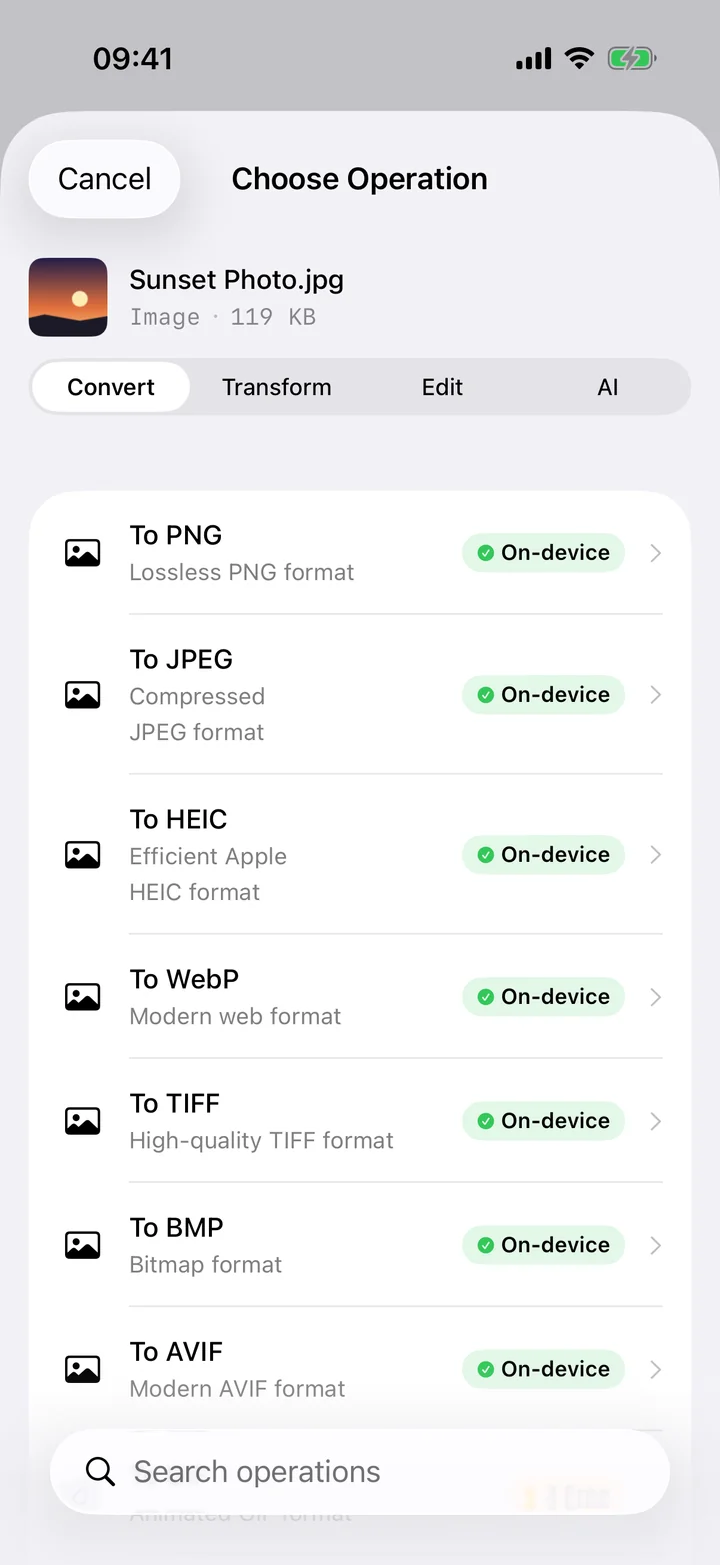
Apple has made custom ringtones quietly difficult. You can't just drop an MP3 into Settings and pick it — iOS only recognises ringtones as M4R files of 40 seconds or less, and getting one onto your phone usually means juggling GarageBand or a Mac. The good news is that the hard parts — trimming the song to the right 40-second hook and converting it into the M4R format — can both happen in one place, right on your iPhone, before you ever touch GarageBand.
Filemorph lets you load any MP3, scrub to the exact section you want, and trim it down to a clean 40-second clip. It then converts that clip to M4R using Apple's AVFoundation audio tools, all on-device with nothing uploaded. Once you've saved the M4R to Files, the final step is a quick import: open it in GarageBand and choose Share → Ringtone (or sync it with Finder on a Mac), and it shows up under Settings → Sounds & Haptics, ready to assign to calls, texts, or a specific contact.
How to make an iPhone ringtone from an MP3
Pro
- Add and trim your MP3. Open Filemorph, add your MP3, and trim it to the 40-second clip you want as the ringtone.
- Convert to M4R. Convert the trimmed clip to M4R — the iPhone ringtone format.
- Set it as your tone. Save the M4R to Files, then import it via GarageBand or Finder to set it as your ringtone.
Why convert MP3 to M4R?
iPhone ringtones must be M4R files of 40 seconds or less. Filemorph handles the trim and the format conversion in one place, so you can build a custom tone from any song or sound.
Is it private?
Yes. Filemorph trims and converts your audio locally with Apple's AVFoundation framework. Nothing is uploaded to a server, and it works with no internet connection.