WAV stores audio uncompressed, sample for sample, which is wonderful in a recording studio and a nuisance everywhere else. A field recording, a podcast take, an exported voice track or a mixdown lands as a WAV that's easily ten times bigger than it needs to be for listening. That bloat eats storage on your iPhone, refuses to attach to email, and takes forever to send. MP3 was invented to solve exactly this: near-identical sound at a fraction of the size.
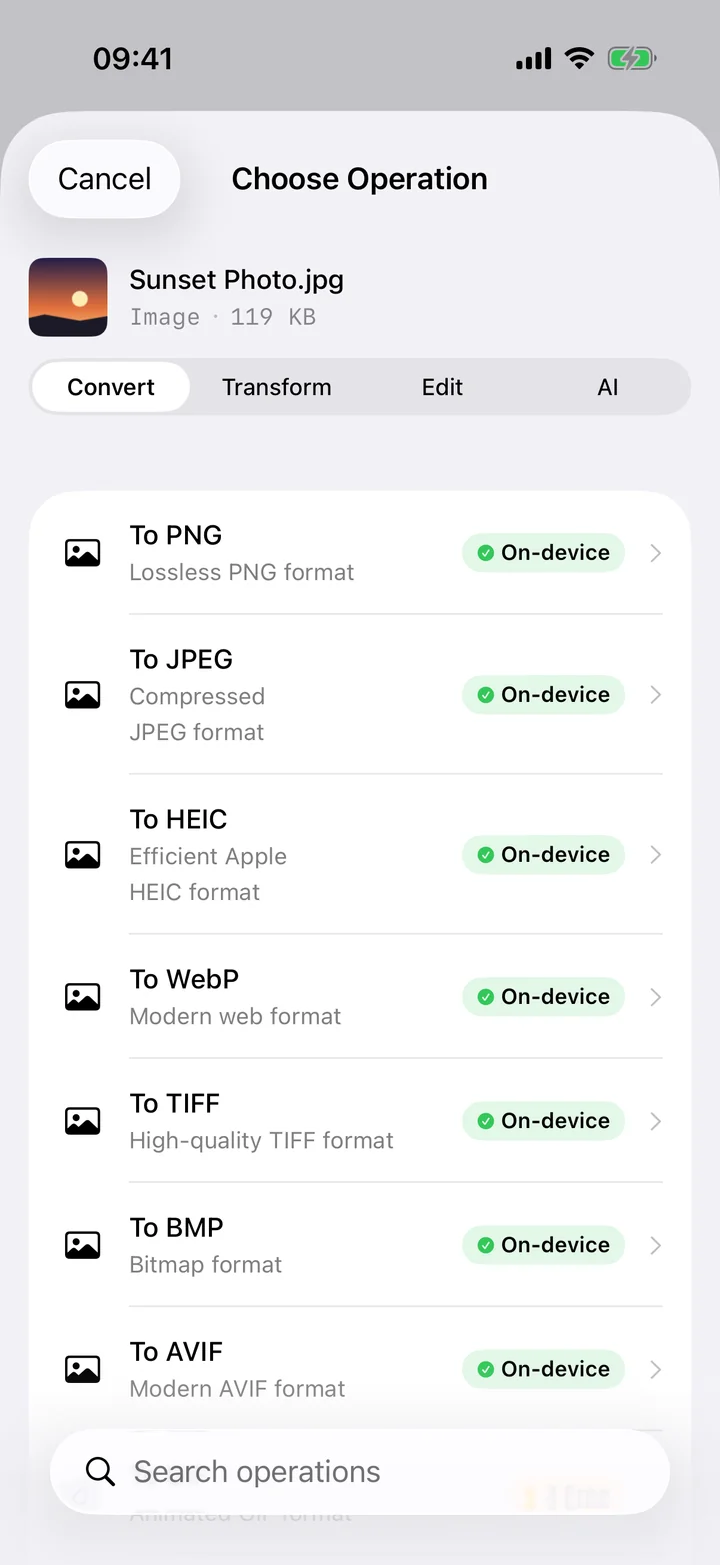
Filemorph re-encodes your WAV to MP3 on the device using Apple's AVFoundation, and lets you pick the bitrate so you decide where to land between quality and size. Choose a high bitrate for music you want to keep crisp, or a lighter one for talk and voice memos where a smaller file is the priority. Everything runs locally with a Live Activity tracking progress, so there's no upload and no waiting on a server — even a long recording converts straight on your phone.
How to convert WAV to MP3 on iPhone
Pro
- Add the WAV. Open Filemorph and add the WAV file from Files or the Share sheet.
- Choose MP3 and bitrate. Choose MP3 as the output and pick a bitrate to control the trade-off between size and fidelity.
- Save or share. Tap Convert. The much smaller MP3 is saved locally, ready to share or sync.
Why convert WAV to MP3?
The headline reason is size: an MP3 is typically a tenth of the equivalent WAV, which means faster sharing, smaller attachments and far less storage used. MP3 also plays on every device, car stereo and app, while large WAV files sometimes choke older players. Convert whenever you want to send, archive or simply listen to a recording rather than keep it studio-pristine.
Is it private?
Yes. WAV files are often original recordings — interviews, music sessions, voice notes — that you wouldn't want sitting on a stranger's server. Filemorph compresses each one on your iPhone with Apple's AVFoundation, so your audio is never uploaded and the conversion works entirely offline.