A RAW file is your camera's full negative — every scrap of sensor data, untouched and uncompressed. That's exactly what you want for serious editing, but it's the wrong thing to send a friend, post online or print at a kiosk. RAW formats like Canon's CR3, Nikon's NEF, Sony's ARW and Fujifilm's RAF are also brand-specific, so the receiving end often can't open them at all. JPG is the universal finished photo, and getting one used to mean firing up a desktop app.
Filemorph does the developing right on your iPhone. It leans on Apple's built-in RAW pipeline — the same engine the Photos app uses to preview RAW shots — to turn the sensor data into a properly exposed, colour-correct JPEG. Pull a RAW file off your camera with a card reader or AirDrop, hand it to Filemorph, choose JPG, and you have a shareable image without ever sitting down at a computer. Everything is processed locally, so even a large 40-megapixel RAW never leaves the device.
How to convert RAW to JPG on iPhone
Free
- Add your RAW file. Open Filemorph and pick the RAW file (CR2, CR3, NEF, ARW, RAF, DNG and more) from Files or the Share sheet.
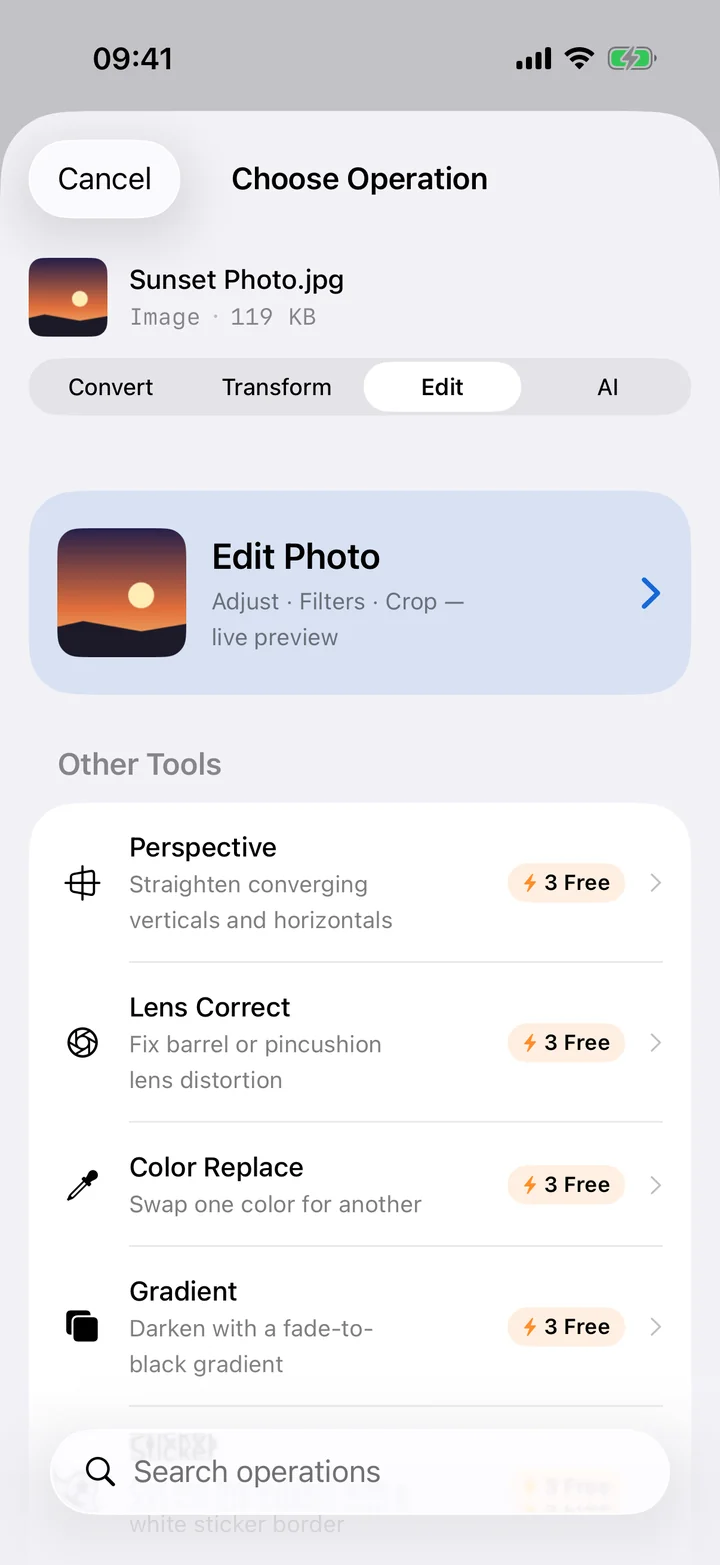
- Choose JPG. Tap Convert and choose JPEG. Optionally set the quality for the developed photo.
- Save or share. Tap Convert. Filemorph develops the RAW and saves a shareable JPG to your device.
Why convert RAW to JPG?
RAW is for capturing and editing; JPG is for sharing. A converted JPG is a fraction of the size, opens instantly on any phone or PC, and is accepted by every website, print service and social platform — none of which take proprietary RAW files. Convert when you're done editing, or simply want a quick, send-ready copy of a shot straight off the camera.
Is it private?
Yes. RAW files are large and personal, and uploading a full photo shoot to a web converter is slow and risky. Filemorph develops each RAW on your iPhone with Apple's own image stack, so your photographs are never transmitted to anyone and the conversion works with no internet connection — handy out in the field.