HEIC is great for saving storage on your iPhone, but it's the wrong format the moment you need pixel-perfect quality or a transparent background. PNG is the answer. It's a lossless format, so converting from HEIC won't add the compression artefacts you'd get with JPG, and it carries a full alpha channel — which is exactly what you want for logos, app screenshots, UI mockups and any image you'll layer on top of something else. Designers, developers and anyone building web or print assets reach for PNG precisely because it preserves edges and transparency cleanly.
Filemorph decodes the original HEIC with Apple's ImageIO framework and re-encodes it as a PNG with no quality loss — and if the source carries transparency, that comes through untouched. You stay in control of the whole process: pick one photo or a batch, run the conversion locally, and the PNG drops straight into Files or the Share sheet. There's no upload, so even a large, high-resolution photo converts in moments and works with no connection at all.
How to convert HEIC to PNG on iPhone
Free
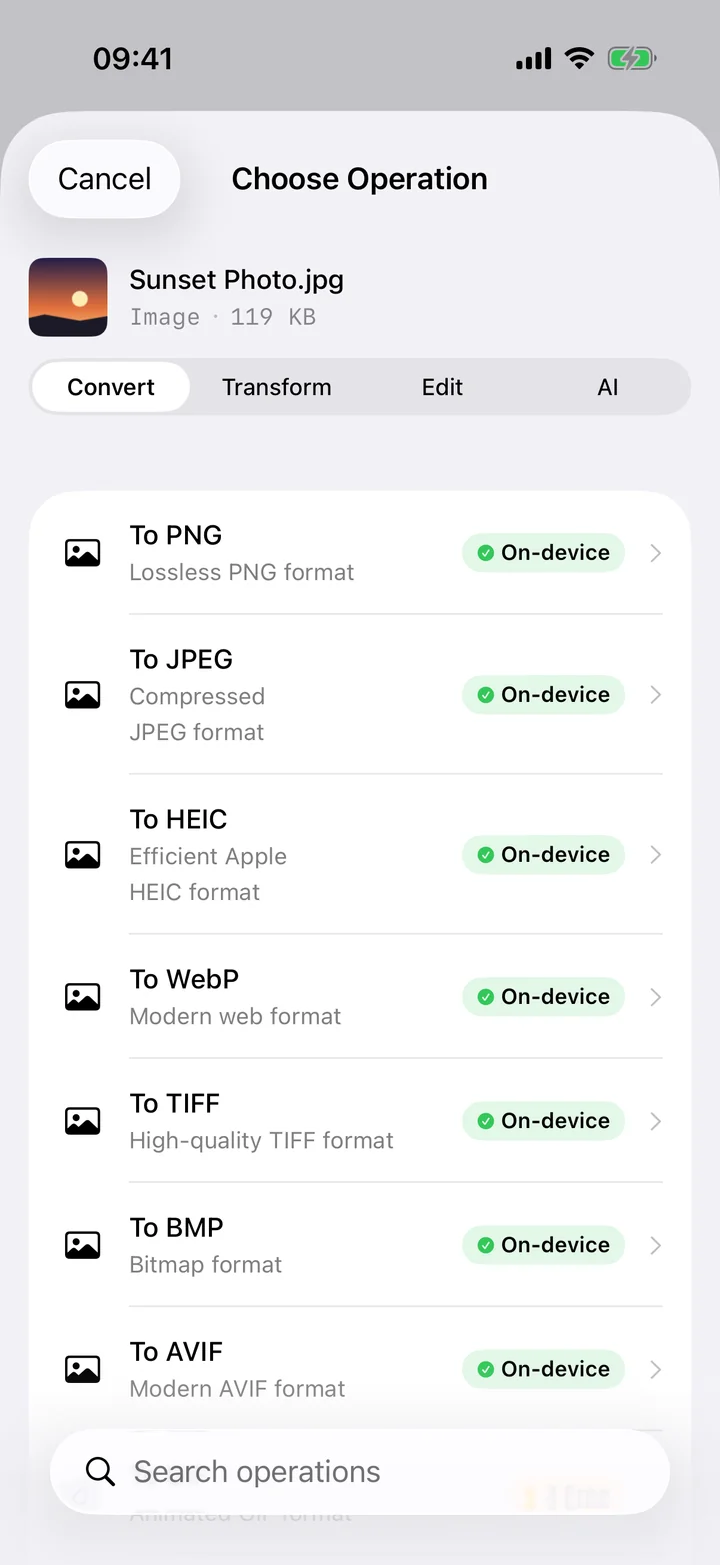
- Add your photo. Open Filemorph and add the HEIC photo from Photos, Files, or the Share sheet.
- Choose PNG. Tap Convert and choose PNG as the output format.
- Save or share. Tap Convert and save or share the lossless PNG locally.
Why convert HEIC to PNG?
PNG is lossless and supports transparency, so it's the right choice when you need pixel-perfect quality or an alpha channel — logos, screenshots, design assets. Unlike JPG it won't introduce compression artifacts.
Is it private?
Yes. Filemorph rebuilds the PNG on-device with Apple's ImageIO framework, so every pixel is preserved and nothing is ever uploaded. Because no server is involved, your photos stay private and conversion works in Airplane Mode.