People reach for a PDF app at the worst possible moments — a form due in five minutes, an expense report that needs three receipts stapled together, a contract that's 14 MB too large for the company mail server. The job is rarely complicated, but the friction is real, and the easiest-looking fix is often a "free PDF tools online" site that wants you to drag your document into a browser. That works, right up until the file is something you'd rather not hand to a stranger's server: a payslip, a passport scan, an NDA, a medical letter.
A good iPhone PDF app removes that trade-off. Everything you need for the common four — merge, split, compress and create from photos — can run locally on modern iPhones, because Apple already ships the PDF engine in the operating system. So the question isn't whether on-device PDF tools are possible; it's which app covers the jobs you actually do, keeps the work private, and doesn't gate the basics behind a subscription you'll resent.
What to look for in an iPhone PDF app
On-device, no upload
This matters more for PDFs than almost any other file type, because PDFs are where the sensitive stuff lives — invoices, IDs, signed agreements, statements. An app built on Apple's PDFKit can merge, split and re-compress a document without it ever leaving your phone. That means no upload wait, no server retention to worry about, and tools that keep working on a train with no signal.
The four jobs that actually come up
Skip the feature lists and check for the handful of tasks you'll repeat: combining several PDFs into one ordered file, extracting or removing pages, shrinking an oversized scan, and turning images into a PDF. An app that nails these four covers the vast majority of phone PDF work; anything beyond is a bonus, not the point.
Compression you can actually tune
"Compress PDF" is only useful if you control the result. A scan emailed at full resolution can be ten times larger than it needs to be, but crush it blindly and the text turns to mush. The better apps let you pick a quality level and preview the size trade-off before you commit, so the file slips under an attachment limit while staying readable.
A genuinely free tier and automation
Turning a photo into a PDF is the kind of everyday task that shouldn't cost anything, and the best apps keep the entry point free. It's also worth checking whether the app exposes its tools to the Shortcuts app, so you can wire a "scan to PDF" or "compress and email" routine that runs from the Home Screen or a Back Tap — the difference between a tool you open and a tool that just happens.
Why Filemorph
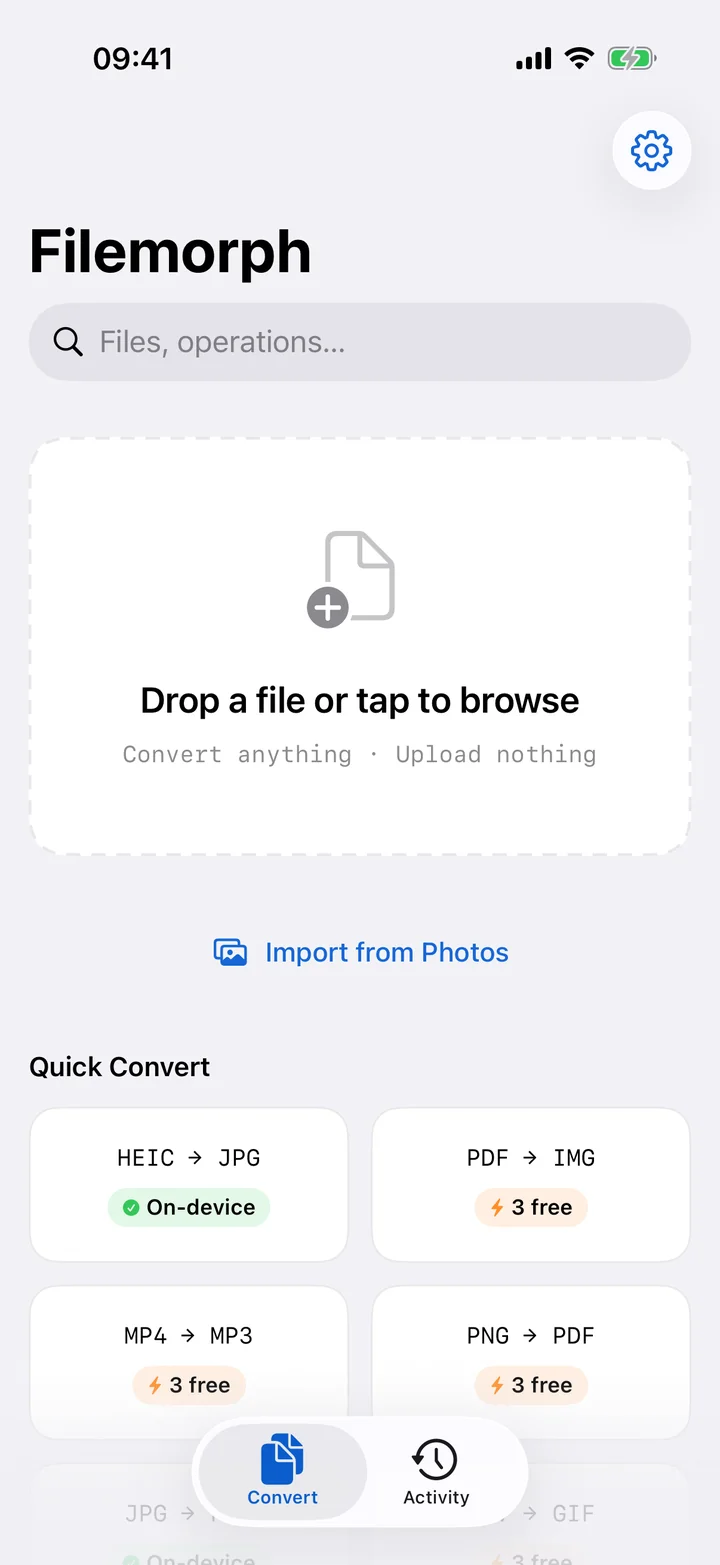
Filemorph builds its PDF tools on Apple's PDFKit and runs them entirely on your iPhone, iPad or Mac — no uploads, no account, fully offline. The everyday set is here: merge PDFs into one reorderable document, split a PDF to pull or drop pages, compress a PDF at a quality level you choose, and turn a JPG into a PDF or take a photo straight to HEIC to PDF. The full PDF toolkit rounds out the workflow, and PDF tools sit inside a broader app with 300+ file operations in total.
Creating a single image-to-PDF is in the free tier, so turning a photo or receipt into a document costs nothing. The deeper PDF tools — multi-file merge, split and compression — are part of Pro, which is where the heavier document work lives. Across the app, 15 Shortcuts and App Intents actions let you automate routines like compress-and-share without opening the app, and Filemorph's AES-GCM encryption with secure delete means you can lock a finished contract or wipe the original after exporting. It's a PDF app that treats your documents as the private things they usually are.