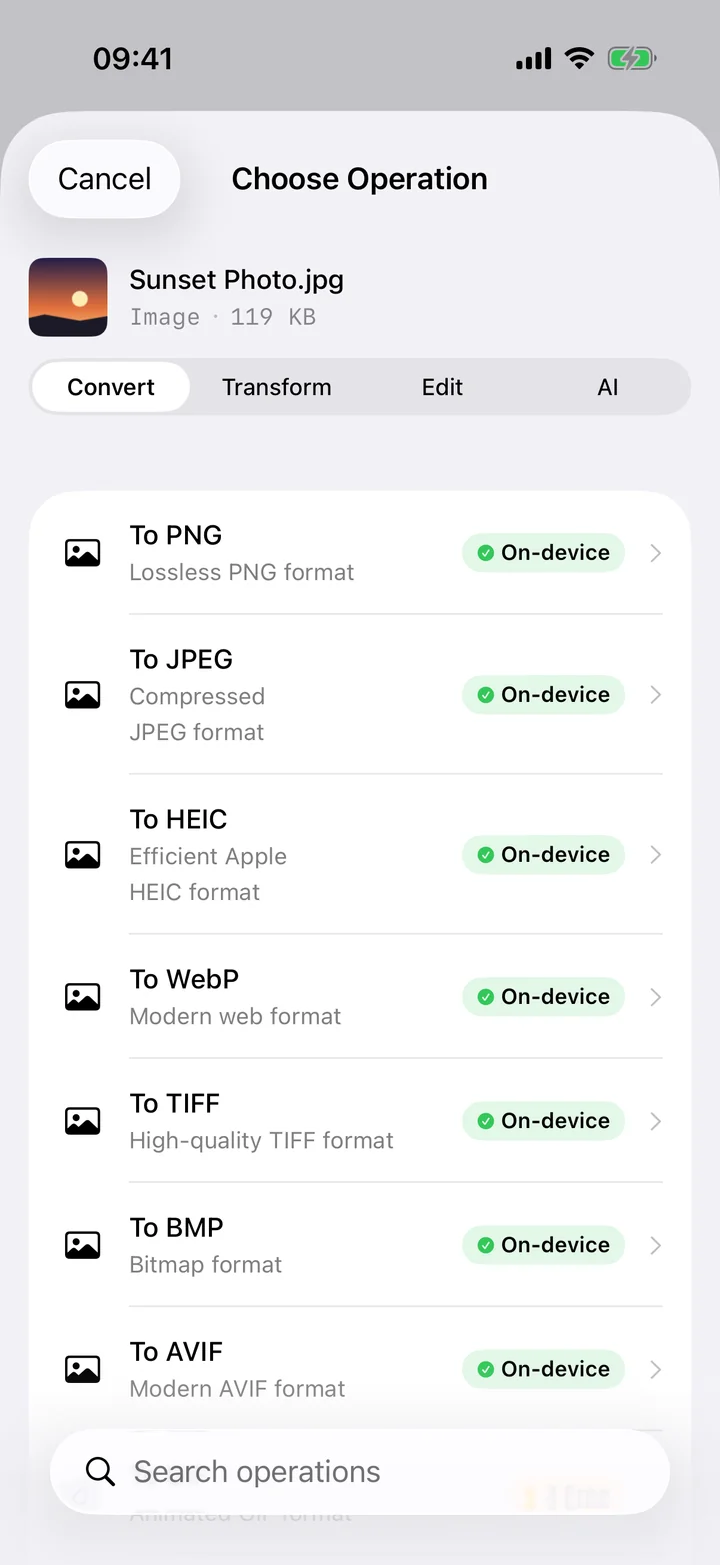
HEIC stands for High Efficiency Image Container. It's Apple's name for a single image stored inside the HEIF container, a modern format built on the same compression technology (HEVC) as the video your iPhone records. When you take a photo on a recent iPhone with default settings, that's what lands in your camera roll: a .heic file rather than the .jpg that dominated the previous two decades.
The headline reason Apple switched is efficiency. HEIC stores roughly the same visible quality as a JPEG in about half the space. Multiply that across thousands of photos and the savings are enormous — it's a big part of why a modern iPhone can hold so many shots. But efficiency isn't the only thing it brings, and the trade-offs are exactly what make the "should I convert?" question worth asking.
Why your iPhone uses HEIC
Beyond smaller files, HEIC carries capabilities JPEG never had. It can store 16-bit colour for smoother gradients and more headroom in editing, hold transparency, keep depth maps from Portrait mode, and even bundle the multiple frames behind a Live Photo into one file. For the device that captured the photo, it's simply a better container. The catch is that "better" only helps if whatever opens the file can read it.
The downsides — where HEIC bites
Compatibility
This is the real-world pain point. HEIC is still comparatively new, and plenty of places can't open it: many Windows PCs without an extra codec, older Android phones, some web upload forms, email recipients on dated software, and a long tail of apps that predate the format. You only discover the gap at the worst moment — when you're trying to send the photo to someone.
Editing and embedding
Design tools, content management systems and document workflows frequently expect JPG or PNG. Dropping a HEIC into a website builder or a word processor often just fails silently, so a converted copy is the path of least resistance.
So should you convert it?
The honest answer is: keep HEIC for storage, convert a copy when you need to share or embed. There's no reason to bulk-convert your whole library and lose the space savings. Instead, make a targeted copy in the right format for the job:
- Sharing with someone or uploading to a site that rejects HEIC — make a JPG. It's the universal choice, and you can keep the quality high. See converting HEIC to JPG.
- You need a lossless copy or transparency for design — make a PNG, which keeps every pixel. See converting HEIC to PNG.
- You need to email, print or sign it as a document — make a PDF, where each photo becomes a page. See converting HEIC to PDF.
Convert without uploading
The common way people convert HEIC — a "free online converter" — quietly uploads your photo to a stranger's server. For a casual snapshot that may be fine, but for anything personal it's a poor trade for a simple format swap. Because iOS already includes the decoder for HEIC, the conversion can happen entirely on your device. Filemorph does exactly that, using Apple's ImageIO framework: your original photo never leaves your iPhone, there's no account, and it works in Airplane Mode. You pick the output format, set the quality, and get a copy that opens anywhere — while the efficient HEIC original stays put in your library. Explore the full image toolkit for resize, crop and compress while you're at it.