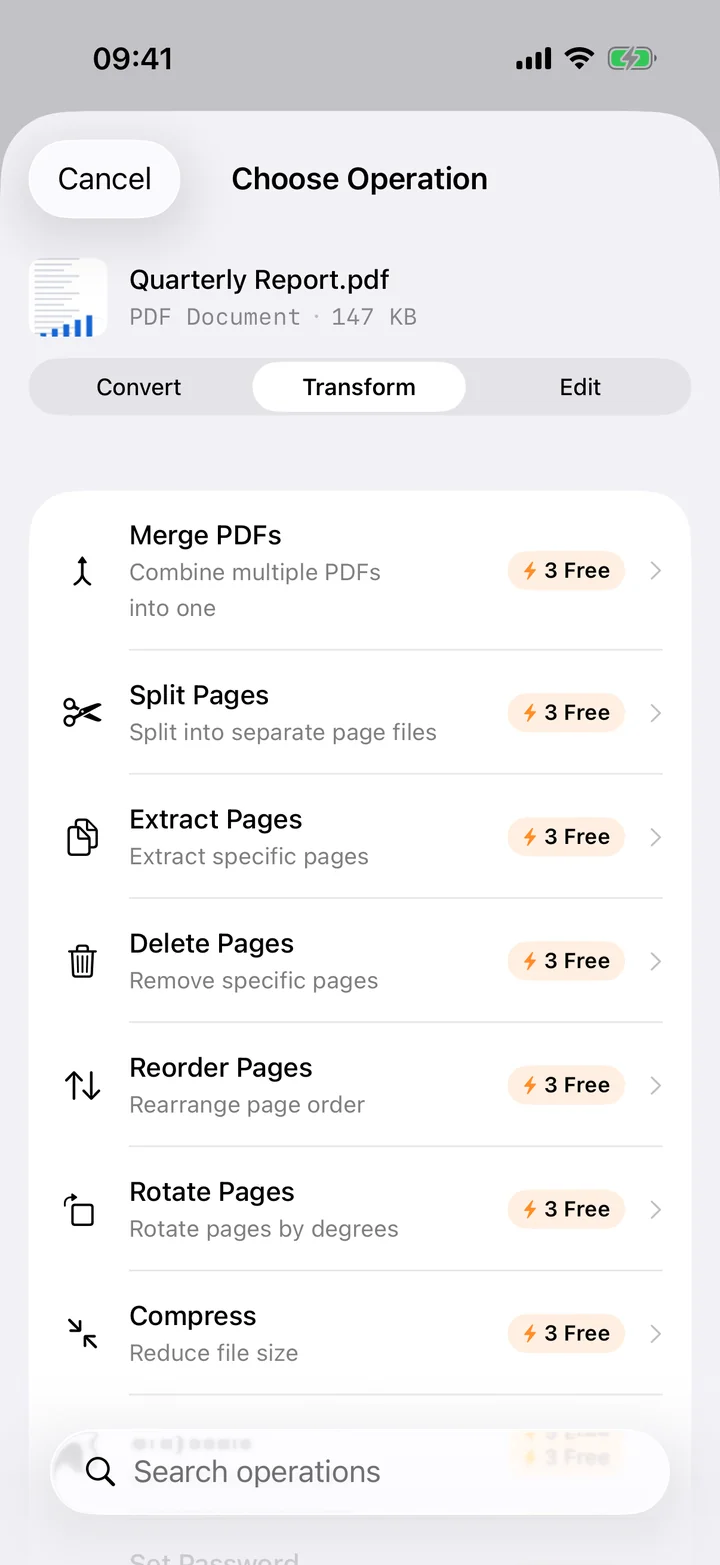
A PDF you want to actually work with — annotate, link, search across other notes — usually needs to live in a notes app first. Filemorph reads the PDF and rebuilds its headings, lists and paragraphs as Markdown, which every notes app understands natively.
Filemorph reads the PDF's text layer with Apple's PDFKit and infers structure from font size and layout: larger, bolder text becomes a heading, bulleted lines become a Markdown list. It is a structure conversion, not a pixel-for-pixel layout clone — tables and multi-column pages come through as best-effort plain text. For a scanned PDF, run OCR Overlay first so there is real text to work from.
How to convert PDF to Markdown on iPhone
Pro
- Add your PDF. Open Filemorph and pick the PDF from Files, Photos or the Share sheet.
- Choose Markdown. Tap Convert and choose Markdown as the output format.
- Save or share. Tap Convert. The Markdown file is saved locally — open it in Obsidian, Bear or any text editor.
In the app: Convert → To Markdown.
Why convert PDF to Markdown?
Markdown is plain text with light formatting, so it is portable, diffable and searchable across every notes app, from Obsidian to Bear to a plain text editor. Converting a PDF to Markdown is the fastest way to fold its content into a notes vault without fighting a PDF viewer to find a paragraph again.
Is it private?
Yes. Unlike web converters that upload your files to a server, Filemorph converts every file locally using Apple's frameworks. Nothing leaves your device, and it works with no internet connection. This operation is part of Filemorph Pro ($29.99/year, 7-day free trial on monthly and annual plans).