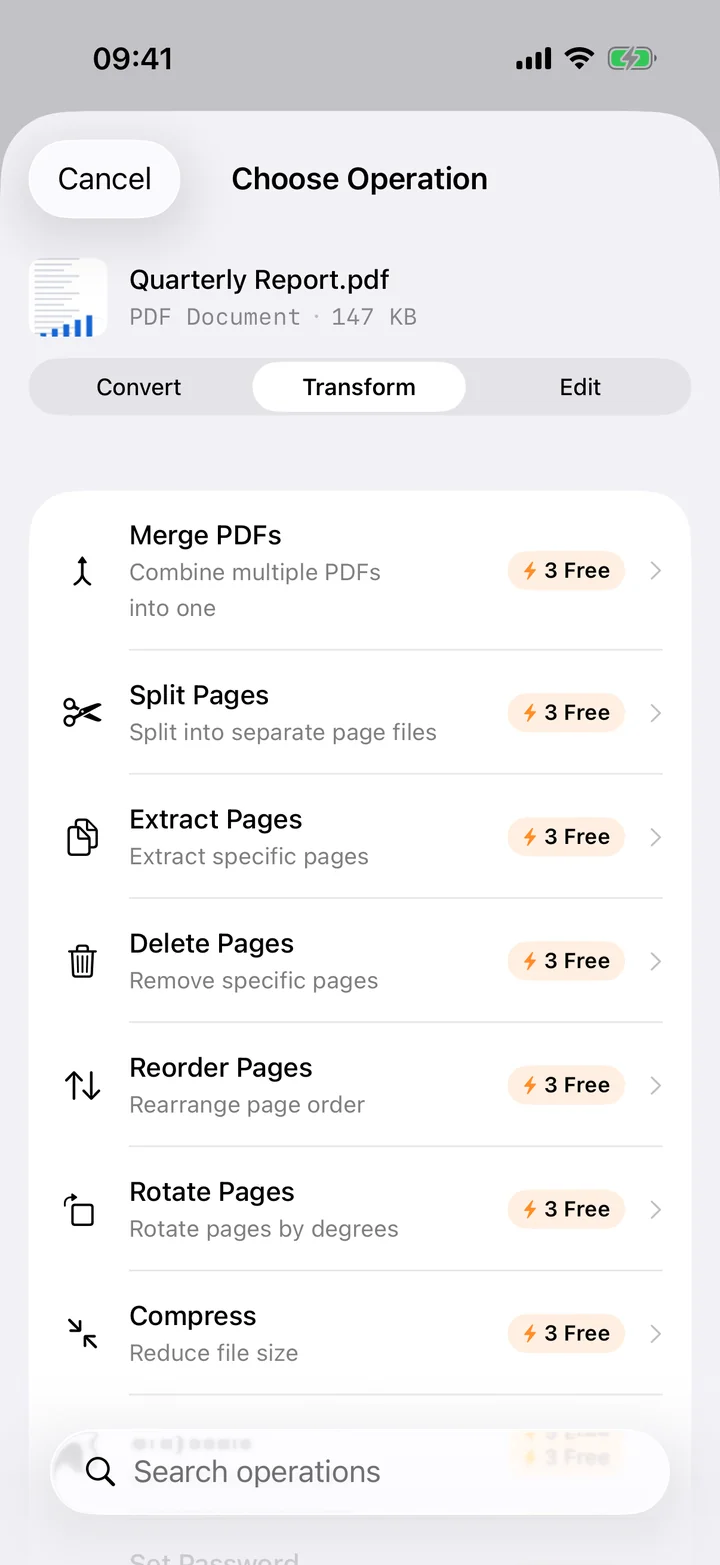
Most free PDF-to-Word sites ask you to upload the file first, and the PDFs people convert are rarely harmless. NDAs, signed contracts, payslips, medical letters, tax forms: exactly the documents you would not want sitting on a stranger's server, even briefly. Filemorph converts the file where it already lives, on your iPhone, so nothing is transmitted anywhere.
Filemorph reads the PDF with Apple's PDFKit and rebuilds paragraphs, headings and simple tables into a Word document. It is a text-and-structure conversion, not a pixel-perfect layout clone: multi-column magazine layouts, floating text boxes and decorative fonts will come through as plain paragraphs you can re-style in Word. For scanned PDFs, run OCR Overlay first so there is real text to extract.
How to convert PDF to Word on iPhone
Pro
- Add your PDF. Open Filemorph and pick the PDF from Files, Photos or the Share sheet.
- Choose Word. Tap Convert and choose Word (DOCX) as the output format.
- Save or share. Tap Convert. The DOCX is saved locally — open it in Word, Pages or Google Docs, or share it directly.
In the app: Convert → To DOCX.
Why convert PDF to Word?
Word lets you edit, comment, redline and quote text that a PDF locks in place. A DOCX file opens in Microsoft Word, Apple Pages and Google Docs, so you are not tied to one editor to make the change. That makes it the right format when the next step is editing the document, not just reading it.
Is it private?
Yes. Unlike web converters that upload your files to a server, Filemorph converts every file locally using Apple's frameworks. Nothing leaves your device, and it works with no internet connection. This operation is part of Filemorph Pro ($29.99/year, 7-day free trial on monthly and annual plans).