The little square icon in a browser tab, the picture next to a Windows shortcut, the logo on a desktop app — a surprising number of them are still ICO files. ICO is a Windows icon container that dates back decades and remains the expected format for a classic favicon.ico and for native Windows icons. The trouble is that almost nobody designs in ICO; you draw your mark, export a PNG, and then need to wrap it in the right container. On iPhone, that usually meant emailing the PNG to a computer.
Filemorph removes that step. Hand it a square PNG, choose ICO, and it packages the image into a valid .ico file directly on your iPhone. That's everything you need to drop a favicon into a website folder, set a custom icon for a Windows shortcut, or hand a developer the asset in the exact format they asked for. There's no upload and no account — the conversion runs locally, even offline.
How to convert PNG to ICO on iPhone
Free
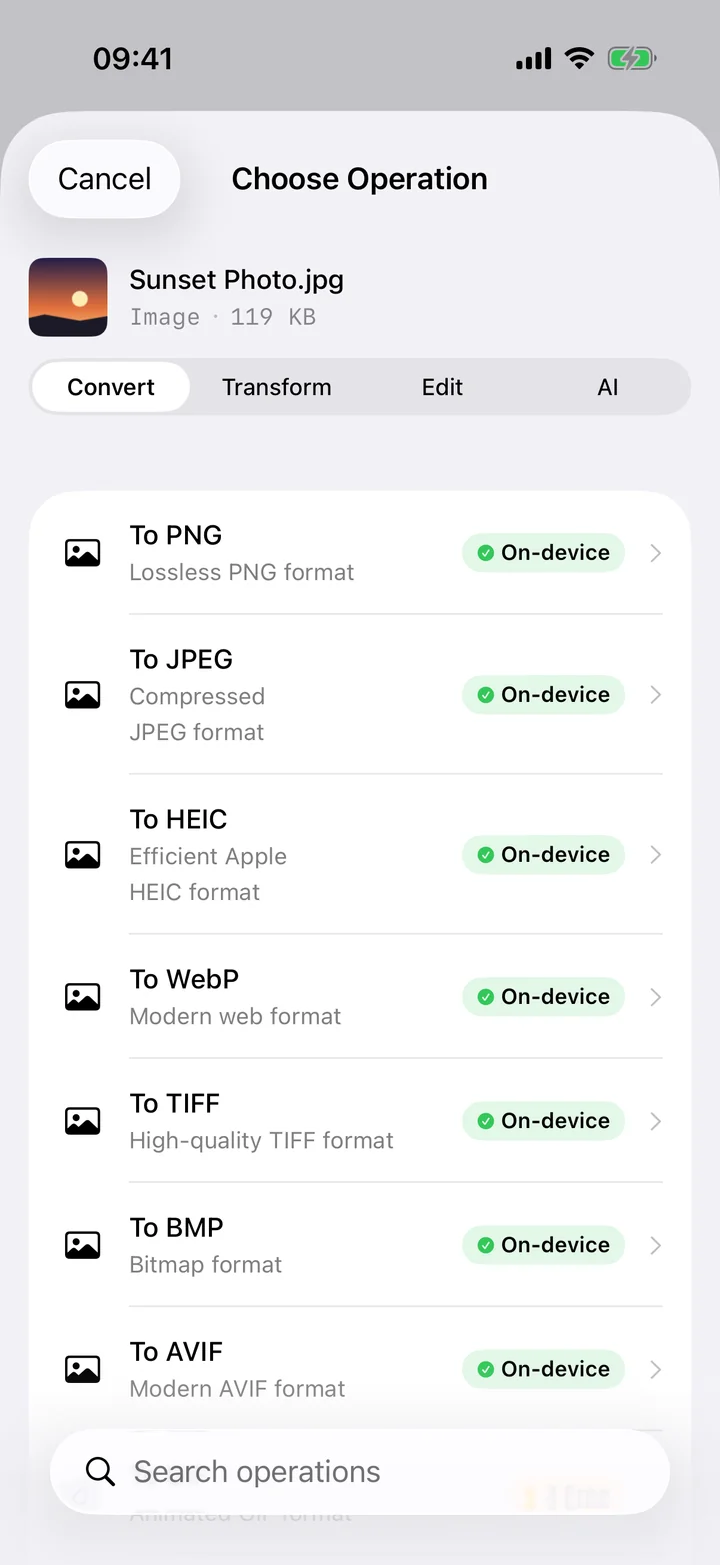
- Add your PNG. Open Filemorph and pick the square PNG you want to turn into an icon from Photos, Files, or the Share sheet.
- Choose ICO. Tap Convert and choose ICO as the output format.
- Save the icon. Tap Convert. The .ico file is saved locally — drop it into your website folder or use it as a Windows icon.
Why convert PNG to ICO?
Web servers and browsers look for a favicon.ico to brand your site's tab and bookmarks, and Windows expects .ico for its icons. A PNG simply won't slot into those roles. Converting gives you the container those systems require, so your logo shows up where a plain PNG would be ignored — without needing Photoshop or a desktop icon tool.
Is it private?
Yes. Plenty of "PNG to ICO" websites work, but they make you upload your logo first. Filemorph builds the .ico on your iPhone with Apple's ImageIO, so your brand asset is never sent anywhere. The feature runs entirely on-device and works with no internet connection.