PDF tools
Split a PDF
Split a PDF
on iPhone, privately.
A 40-page PDF is rarely what you actually need to send. Filemorph splits a PDF into one file per page, entirely on your iPhone.
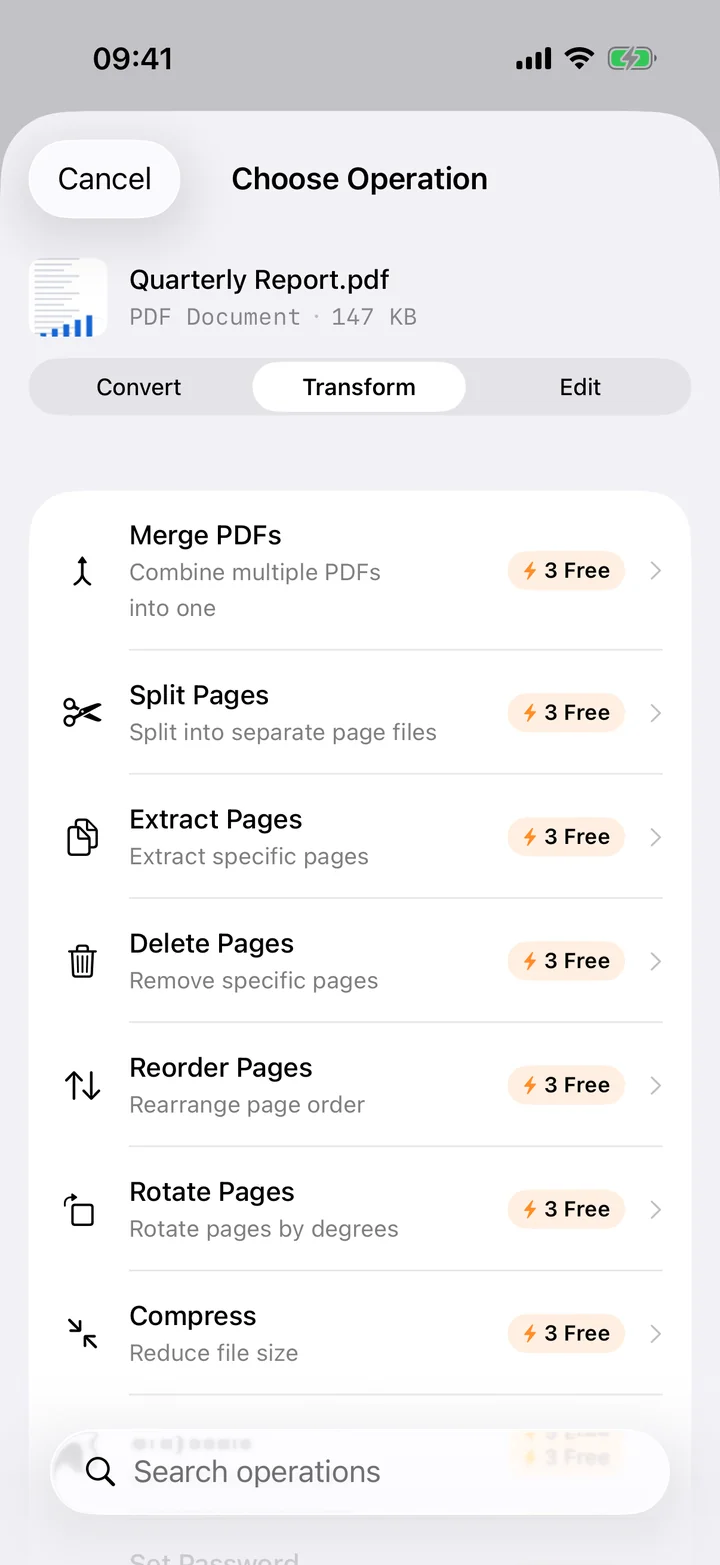
A 40-page PDF is rarely what you actually need to send. Filemorph splits a PDF into one file per page, entirely on your iPhone.
A signed contract with one page you need to forward, a scanned booklet you want as individual chapters, a bundled export you need to break apart before filing: splitting a PDF is a small task that most PDF apps make you upload a file to a website for. Filemorph does it locally.
Filemorph reads the PDF with Apple's PDFKit and writes out a separate single-page PDF for every page in the document — every page keeps its original quality, since nothing is re-rendered, only regrouped. A 12-page PDF becomes 12 individual PDF files, numbered in page order, ready to share one at a time or as a set.
In the app: Transform → Split Pages.
Splitting turns one long document into pieces you can send, file or archive on their own — a single signed page instead of the whole contract, one chapter instead of the whole scan. It also makes a bulky PDF easier to review, since each piece opens faster and stays focused on one part of the original.
Yes. Unlike web converters that upload your files to a server, Filemorph converts every file locally using Apple's frameworks. Nothing leaves your device, and it works with no internet connection. This operation is part of Filemorph Pro ($29.99/year, 7-day free trial on monthly and annual plans).
Split Pages produces one PDF per page, numbered in order. To combine specific pages back into a single file afterward, use Merge PDF on just the pages you need.
No. Filemorph regroups the original pages into new PDF files without re-rendering them, so quality is identical to the source.
Split Pages is part of Filemorph Pro. If you only need to pull text out rather than pages, PDF to Text is free.
On-device, no upload. Plus 300+ more file operations.
Download on theApp Store